
Declaring a Passenger a No Show
If a passenger is not present at the pick up location, you can declare a no show.
Note: The procedure may differ depending
on your agency's policies.
-
Mark the pick up event as Arrived.
The No Show timer starts.
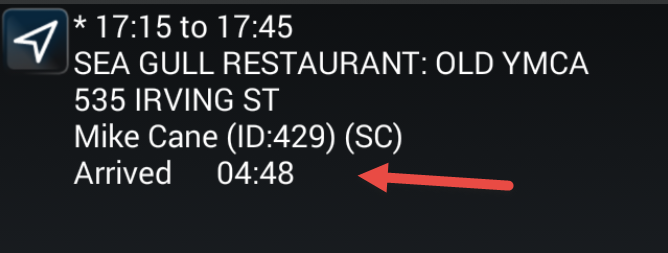
After the required time elapses, a No Show Allowed informational message appears. No Show Allowed appears on the event in the Manifest.
-
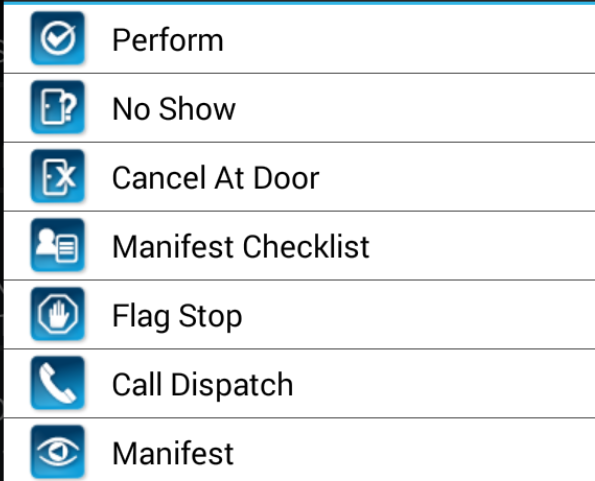
Tap and hold the event to display the menu.
-
Tap No Show.
A confirmation message appears. Tap Yes or No.
- Tap Yes. The No Show request is sent to dispatch for approval. Upon being approved, the event is marked as a No Show and you can proceed to the next event.