Viewing Maps
This section describes the steps for viewing maps.
-
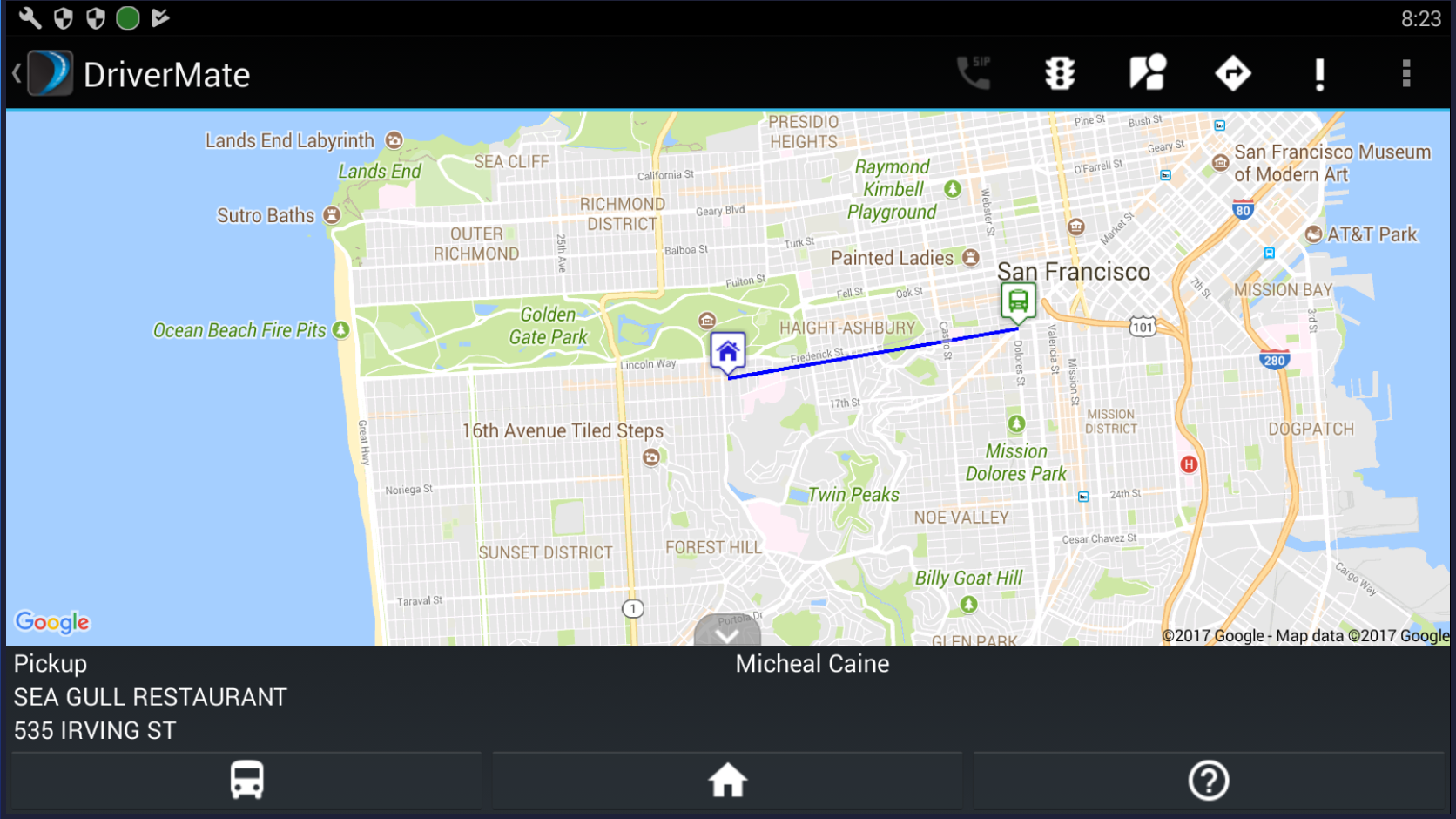
Tap and hold on an event. On the pop up window, tap Show
Destination to bring up a map with your current location and
destination.
-
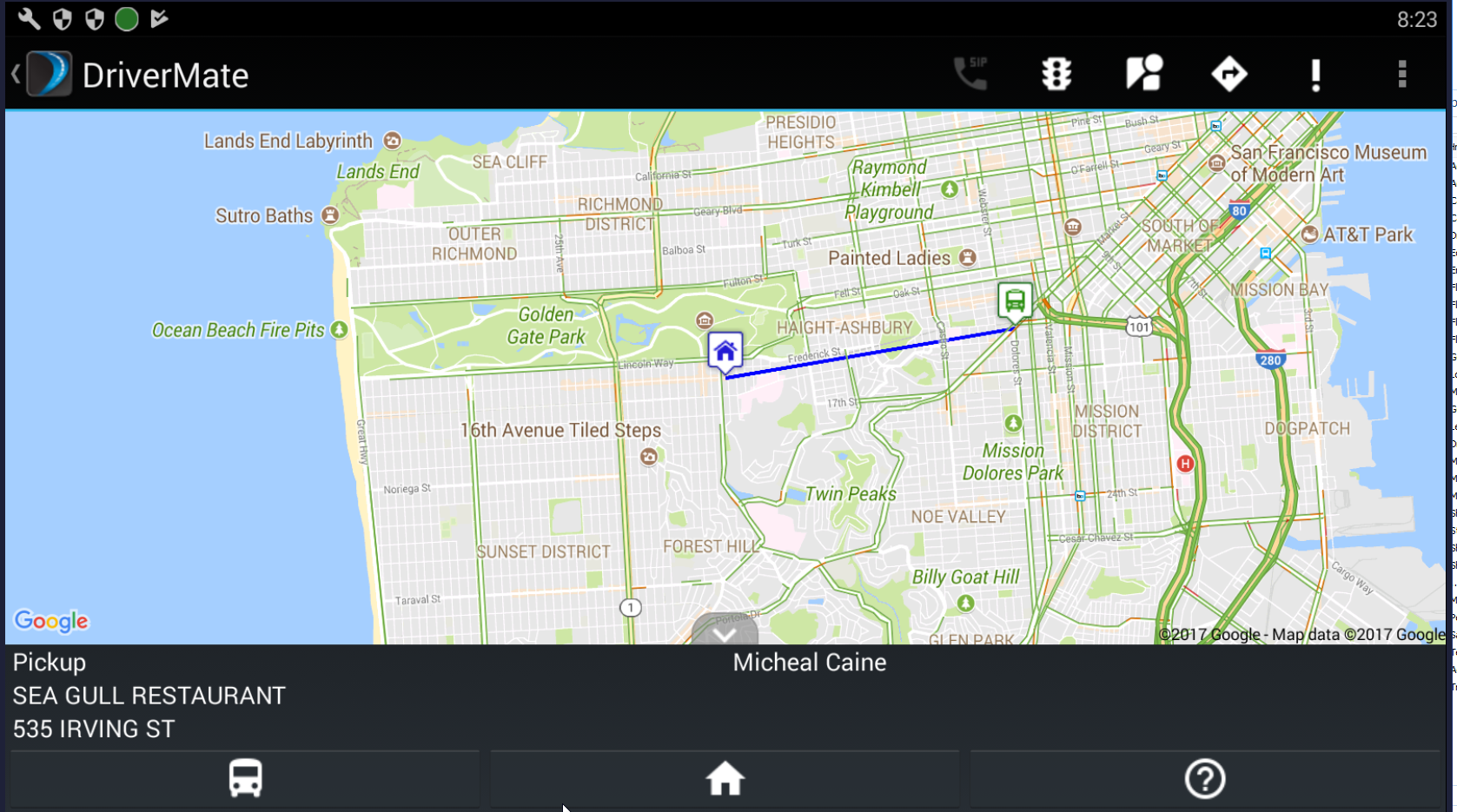
Tap
 to toggle the Google traffic view on and off.
-
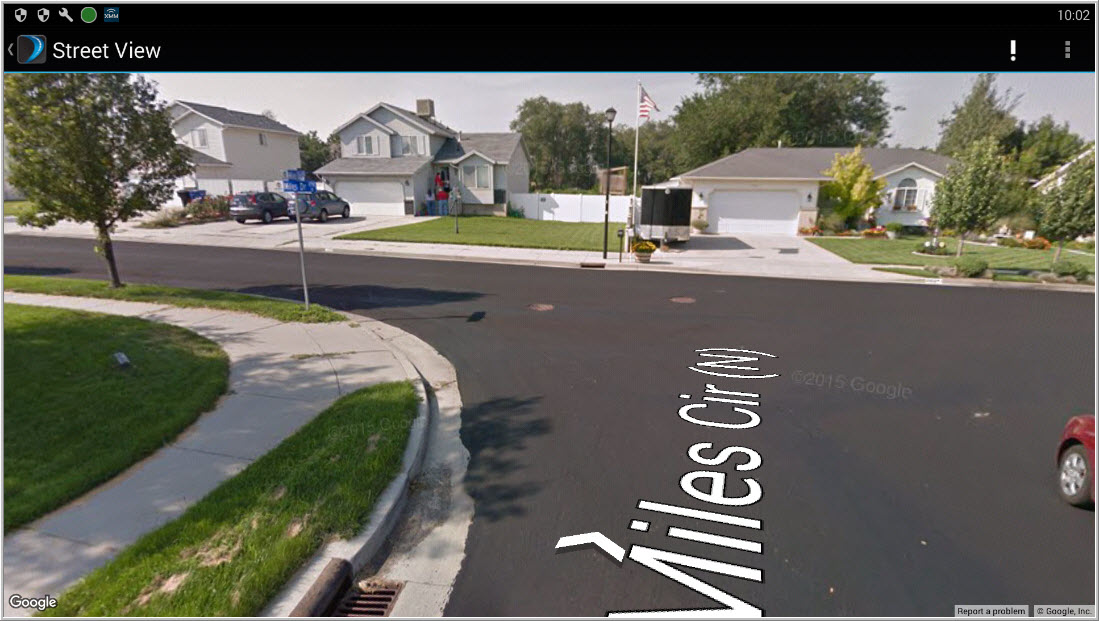
Tap
 to display the Google street view.
-
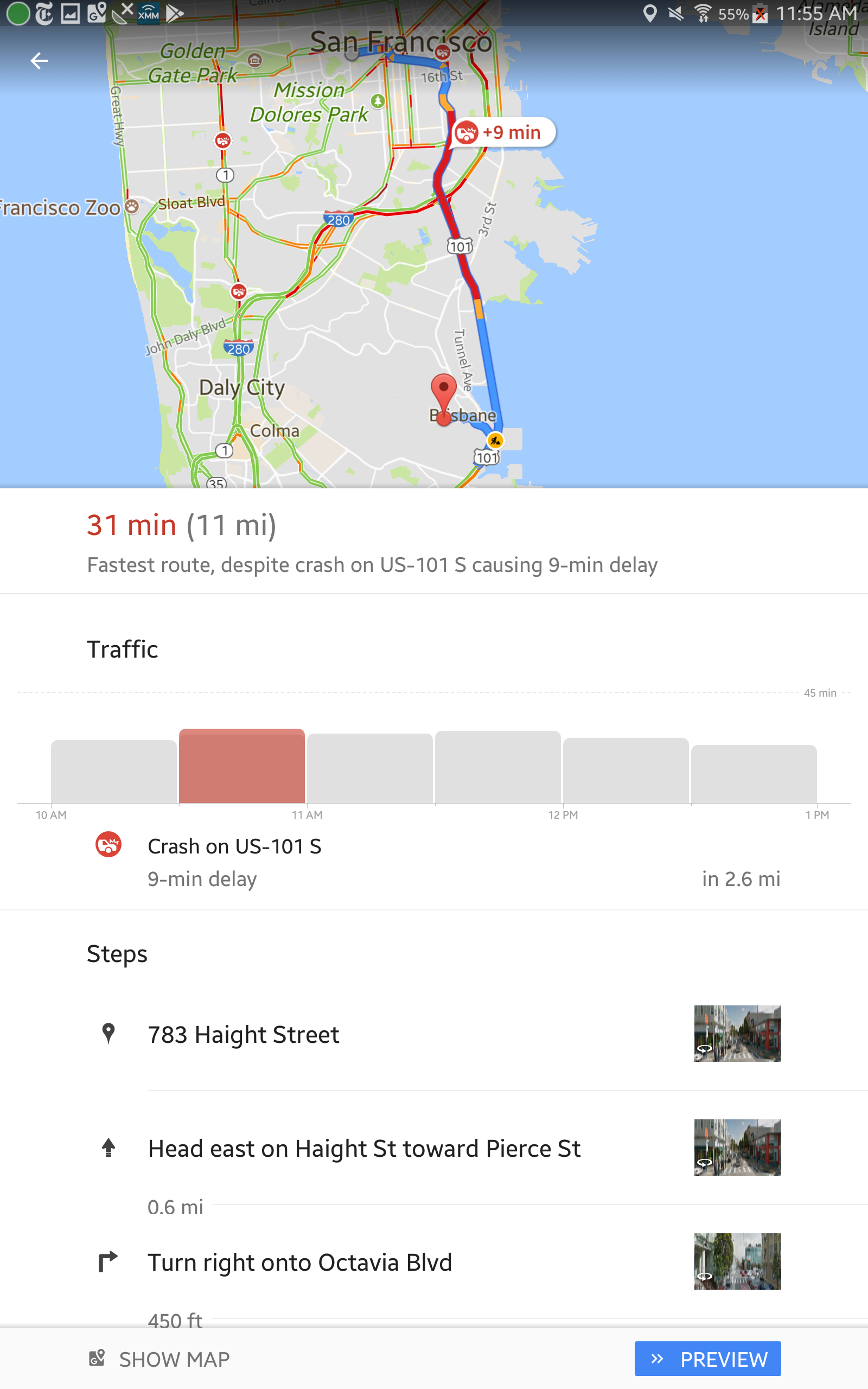
Tap Start Navigation on the menu or
 from the Show Destination screen to view navigational information along
with the map. The actual display varies depending on the navigation software
your agency uses.
from the Show Destination screen to view navigational information along
with the map. The actual display varies depending on the navigation software
your agency uses.