
Display Smart Card ID
The Smart Card ID of a passenger can be displayed to the driver as a way to confirm passenger identification.
The ID can be displayed in the Trip Details Screen, or Perform Screen. You can also determine how many characters are masked in the Smart Card ID. The number of characters to be asked are configurable from 0-16 with the default being 0 unmasked characters.
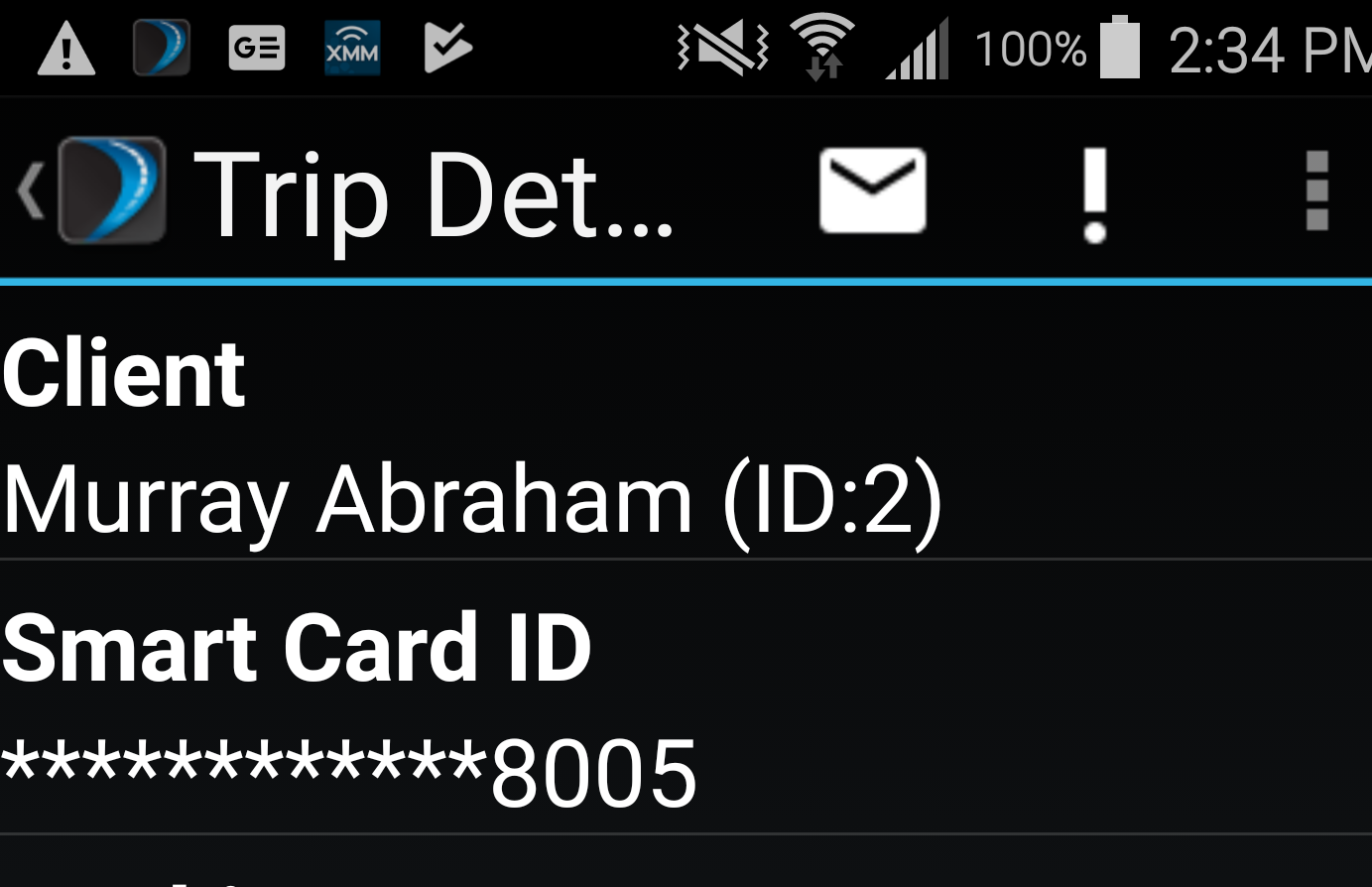
- Show Smart Card ID
- Show Smart Card ID with masked ID Number
The Show Smart Card ID property is set to OFF by default and must be set to ON to use the functionality.
The Show Smart Card ID with masked ID Number’ property specifies the number of characters to be masked and is set to 0 by default. You can define the number of characters to be masked by changing the default value to a desired number.