
Example: Automatically Deduct a Client's Outstanding Fare Amount
If a client does not prepay for a trip and then chooses to pay only part of a fare to the driver, the remaining amount can automatically be deducted from the client's purse.
This situation may occur if the client's purse settings do not allow prepayment for trips.
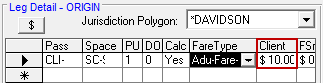
- When the booking is first created, in Trip Booking, in the Leg
Detail frame, the fare amount is listed as $10.00.
-
Clicking the Calculate Fare button ($) shows the breakdown of the client's fare.
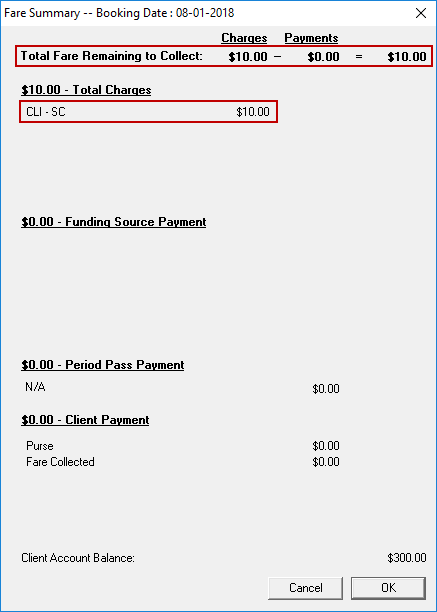
The fare summary shows that no money was provided by any funding sources. This means that the client will need to pay the driver the full $10.00.
-
In Schedule Editor, the FareToCollect amount is $10.00.

When the driver performs the trip, the driver needs to collect $10.00 from the client. If the client only has $6.00 in cash, the driver can enter that $6.00 was collected from the client.
-
The client's purse shows that the remaining $4.00 was debited from the purse.
