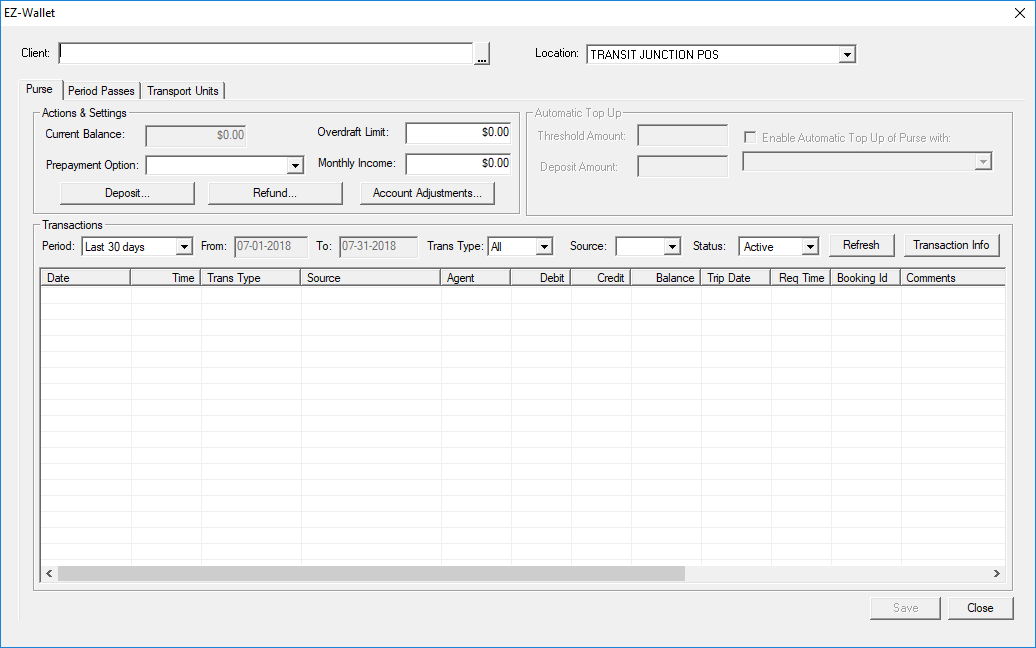
Opening EZ-Wallet in the Trapeze4 Workstation
EZ-Wallet is opened from the Trapeze4 Workstation.
Before you begin
About this task
Procedure
-
Click .
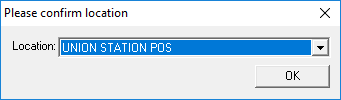
The Please confirm location dialog box appears.
-
Select a location and click OK.
Transit agency operators must set their location when using EZ-Wallet. Location information is associated with the user logged on to the workstation. It is recorded for each transaction performed.
EZ-Wallet will remember your last used location. If the wrong location is selected, set the location manually using the Location field.
EZ-Wallet appears.