
Copying Reports
You can copy reports using the Report Designer screen.
- Select the report you want.
-
Perform one of the following steps:
- Click the Clone button:
 .
. - Right-click the selected record. In the shortcut menu, click Copy.
The Copy Report dialog box appears. The name of the report is in the Name field by default.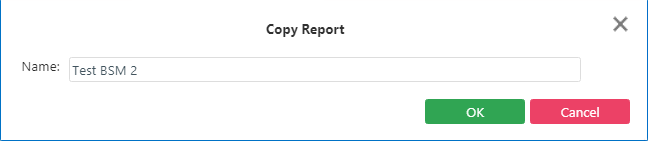
- Click the Clone button:
-
Overwrite the name as required with a unique report name and click
OK.
The Edit Parameters screen appears.
- Proceed with the appropriate steps as required.