Place text in quotation marks for exact match search results.
Viewing List of All Reports
The Reports pane shows all the available standard and custom
reports in the system.
Open the BSM portal.
Click Report Explorer under Reports.
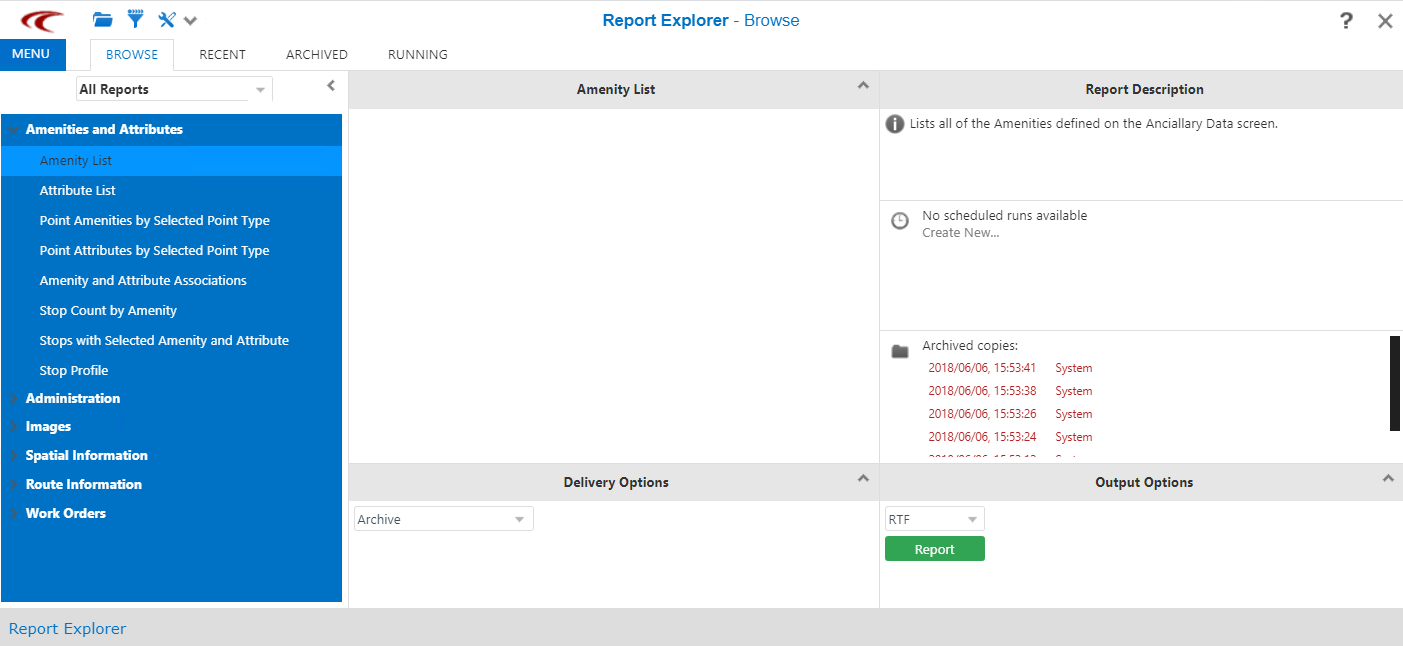
The Report Explorer screen opens. The screen has five panes. The panes with contents that remain constant are:
Report Types (left column), Delivery
Options (bottom pane in middle column), Report Description
and Output Options (both in the right column). The
contents of the upper pane in the middle column show the fields associated with the
selected report type.
Double-click the report that you want to view.
Parameters of the selected report appear on the middle column, if
applicable.