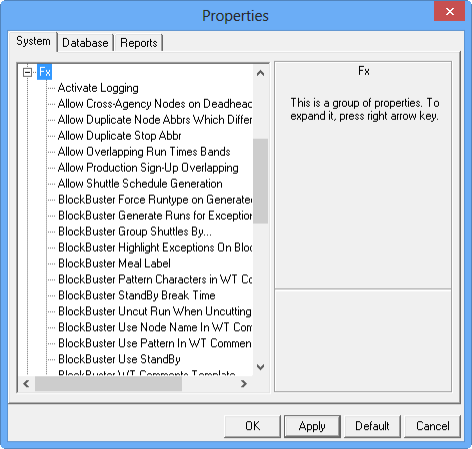
Properties are
used to create settings for a Trapeze application as they relate to the general
workstation and/or specific task screens.
System properties
are global and are generally set before your transit site goes live and should
not be adjusted; however, as you become more familiar with your needs and the
established practices of your transit service, adjustments can be made to your
settings. One change to a setting can affect more than one screen therefore
make changes gradually and check the results of each change. Contact your
system administrator for more information on these properties.
Note: Be sure you
have the appropriate rights to access and change the system property settings.
To set the properties, click Tools > System Settings. The Properties dialog for system properties
appears.