Place text in quotation marks for exact match search results.
Defining Node Parameters
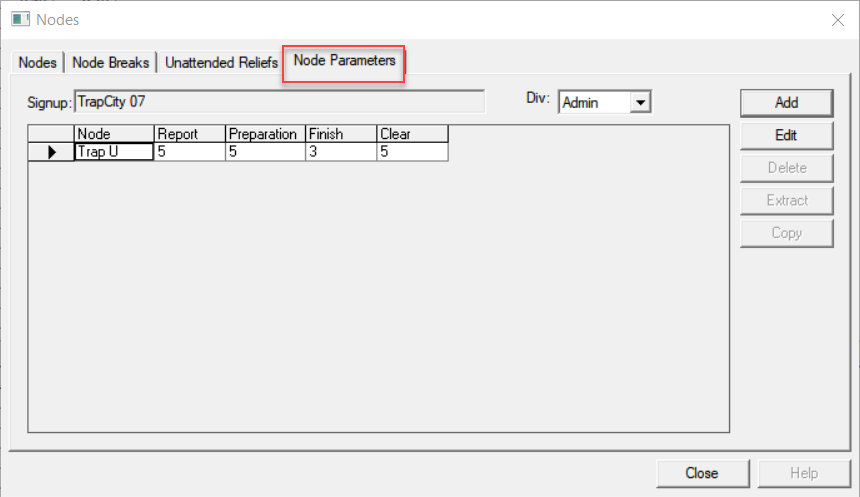
The Node Parameters tab is used only if your site also has the
Trapeze BlockBuster application.
In BlockBuster, the global parameters for cutting runs are set up
on the Parameters tab. To override the global parameters for a
specific node related to the operator times at the start and end of a run, use the
Node Parameters tab.
On the Node Parameters tab, click Add.
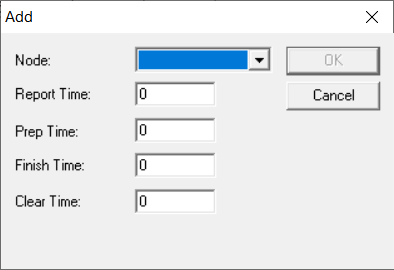
The Add dialog box opens.
From the Node list, select the node for which you want to define
parameters.
In the fields: Report Time, Prep. (Preparation)
Time, Finish Time, and Clear
Time, type the time values for which you want to override the global
parameters set in BlockBuster.