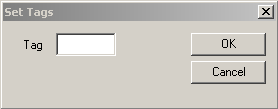
Setting Tags Tags are words or a set of characters used to identify rosters. In the Roster grid, select the rosters you want to tag. Click Rostering > Set Tags. The Set Tags dialog box appears. Do one of the following: steps In the Tag field, type the word or set of characters you want to apply and click OK. Type the tag for a roster directly in the State column in the Rostering screen.