
Update Costing in Rosters
The Update Costing, stamps costing values to each legal roster.
-
Do one of the following:
- Click .
- Click the Update Costing button:

The Update Costing dialog box appears.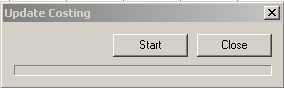
The Update Costing, stamps costing values to each legal roster.