
Deleting Nodes and Stops
When you delete a node or stop from the grid, it is not also deleted from the database.
- In the Nodes grid, select the node or stop you want.
-
Do one of the following steps
- Click .
- Click the Delete button:
 .
.
If your changes are going to affect other parts of the database, a message box appears warning you of data to be affected.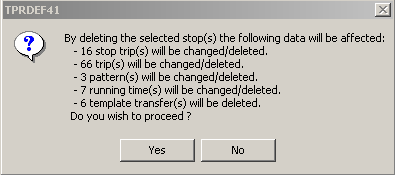
- Click Yes.