
Saving Block Scenarios
After trying out combinations of parameters, save the block scenarios that you may be able to apply again later.
-
On the Blocking tab, click .
The Block Scenarios dialog box opens.
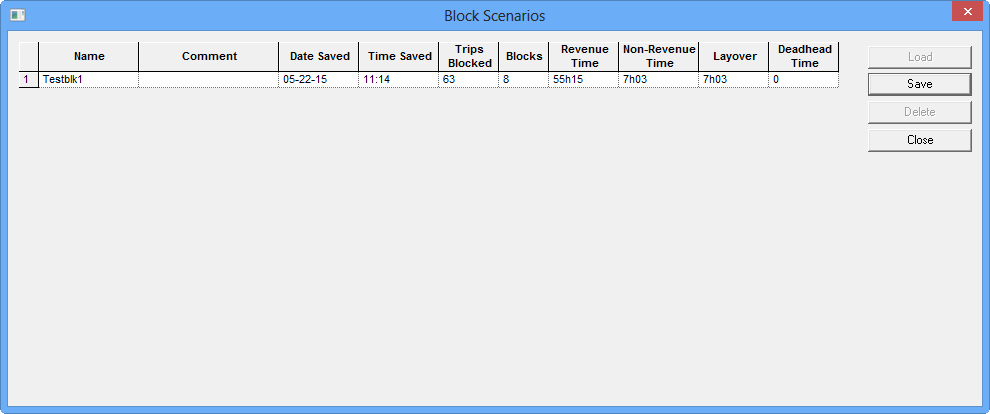
-
Click Save.
The New Scenario dialog box opens.
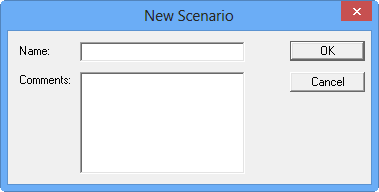
- In the Name field, type a name for the new scenario.
- Optional: In the Comments field, type a description or information on the scenario.
-
Click OK.
The scenario is added to the grid in the Block Scenarios dialog box.