Repositioning the Map
You can move the map to any position on the screen or to change the area in focus.
-
Press both left and right mouse buttons simultaneously.
The pointer changes into a hand symbol:

-
Drag the map to a new position.
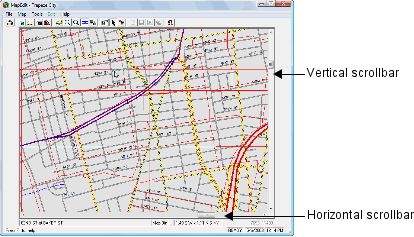
To move the map left or right, click the horizontal scrollbar.
To move the map up or down, click the vertical scrollbar.