
Building Trapeze4 Map Data
The steps for building map data using MapMaker varies depending on transit sites and build purpose.
Note: Building map data can take a long time. Trapeze recommends that you not back up
your map database while building map data.
- Start MapMaker and connect to the data source where you want to build map data.
-
Click the Build tab.
The Build tab shows tabs for specifying build options.
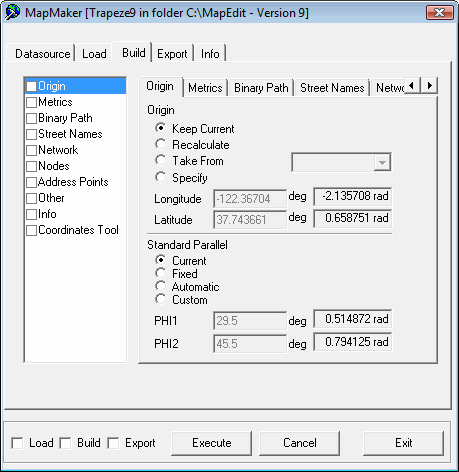
-
Do the following steps:
- Select the Build check box at the bottom-left of the dialog.
-
Click Execute.
A confirmation dialog appears.
-
Click Yes.
The Info tab in the MapMaker dialog shows the progress of the build. A Batch Completed message appears when the process is finished.
- Click OK.
You can then test the map.