
Dictionary Maintenance
When using TTS, you can alter the way the TTS engine pronounces certain words or abbreviations by entering them in a dictionary table along with the desired pronunciation.
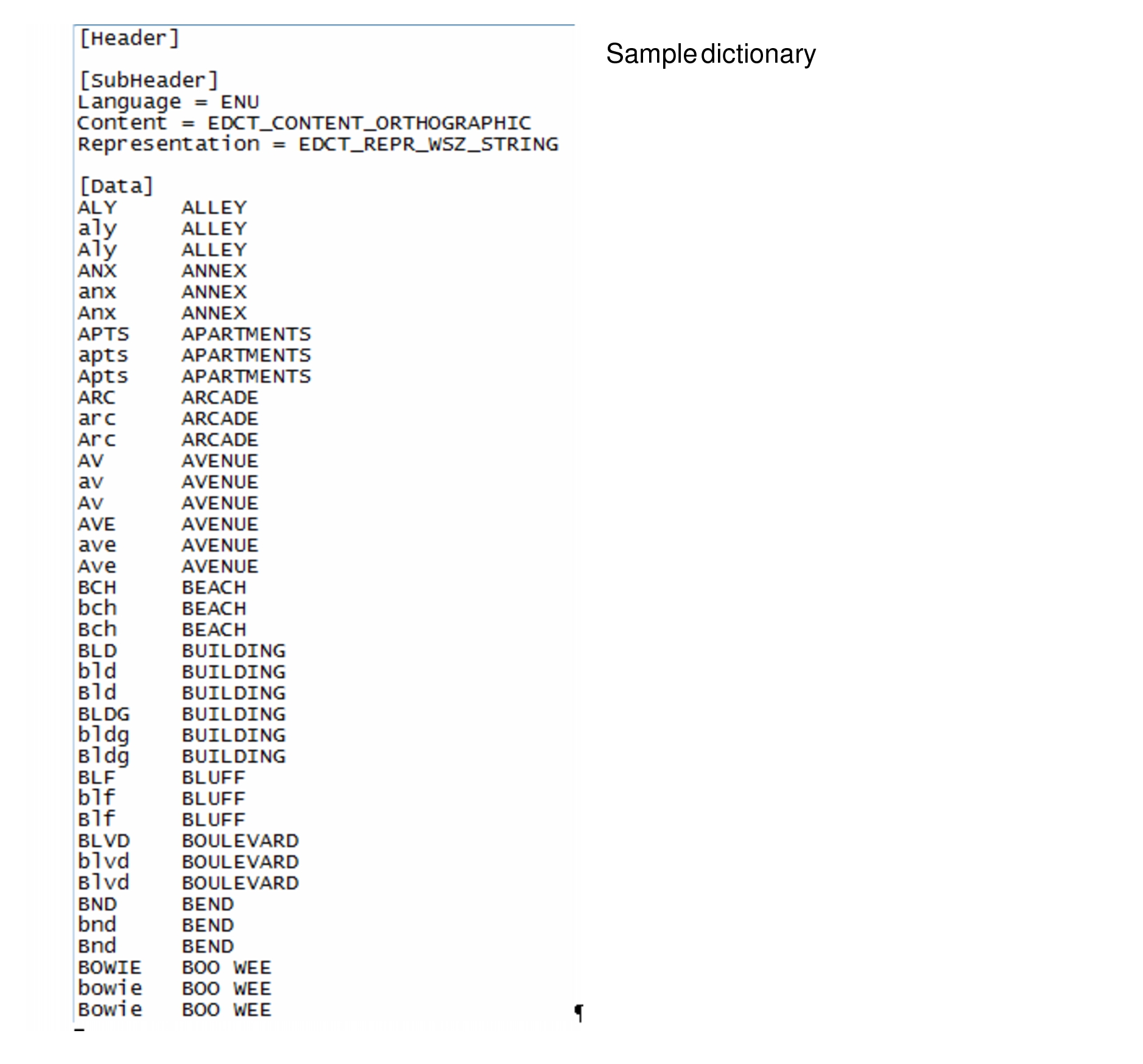
To facilitate easier maintenance, Trapeze recommends keeping the list of entries in alphabetical order.
At installation time, Trapeze provides you with a basic dictionary table, saved as english.tdc. It contains the most common abbreviations used throughout the Trapeze IVR applications. You may edit this table with any text editor such Notepad and add your own entries.
If your IVR platform also supports Spanish, Trapeze supplies you with a basic spanish.tdc dictionary table. For convenience, these tables are saved in a “Dictionary” folder accessible through FTP. The procedure on Putting Audio Files on Voice Gateway provides information on accessing the ftp.