
Searching for Customer Records
In some cases, a customer may have previously sent in a complaint or commendation and wishes to add information to the previous matter or a separate subject. COM allows you to look up the customer’s record and append additional information to the record.
-
On the screen toolbar, click the Add New button:
 .
.
-
Click the Look up Customer button:
 .
The Customer dialog box opens.
.
The Customer dialog box opens.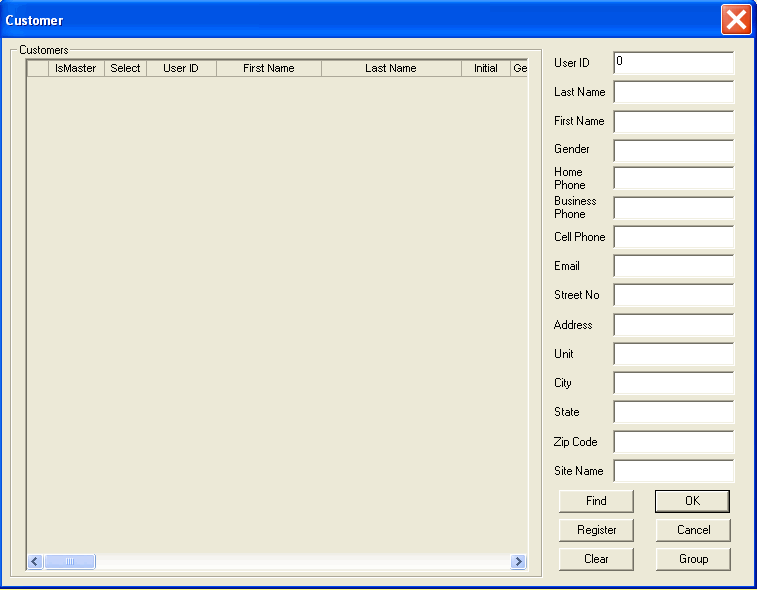
- Fill in one or more of the fields that you want to use as search filters, for example, Last Name.
-
Click Find.
The records that match all or some of the data that you entered appear on the grid.
- From the grid, select the customer record you want.
-
Click OK.
The customer details are shown in the COM Representative screen.Note: If the search results do not show the name you want to find, click the Clear button and repeat the search procedure.
If, after several search attempts, no records appear to match any of the data that you entered, it may mean that the customer is not a registered user.