
Revoking Permissions for Tables
Permissions for specific tables can be revoked (that is, denied) for a specific user or group.
- Open a *.dbd or *.db-schema file.
- Connect to an ODBC Data Source.
-
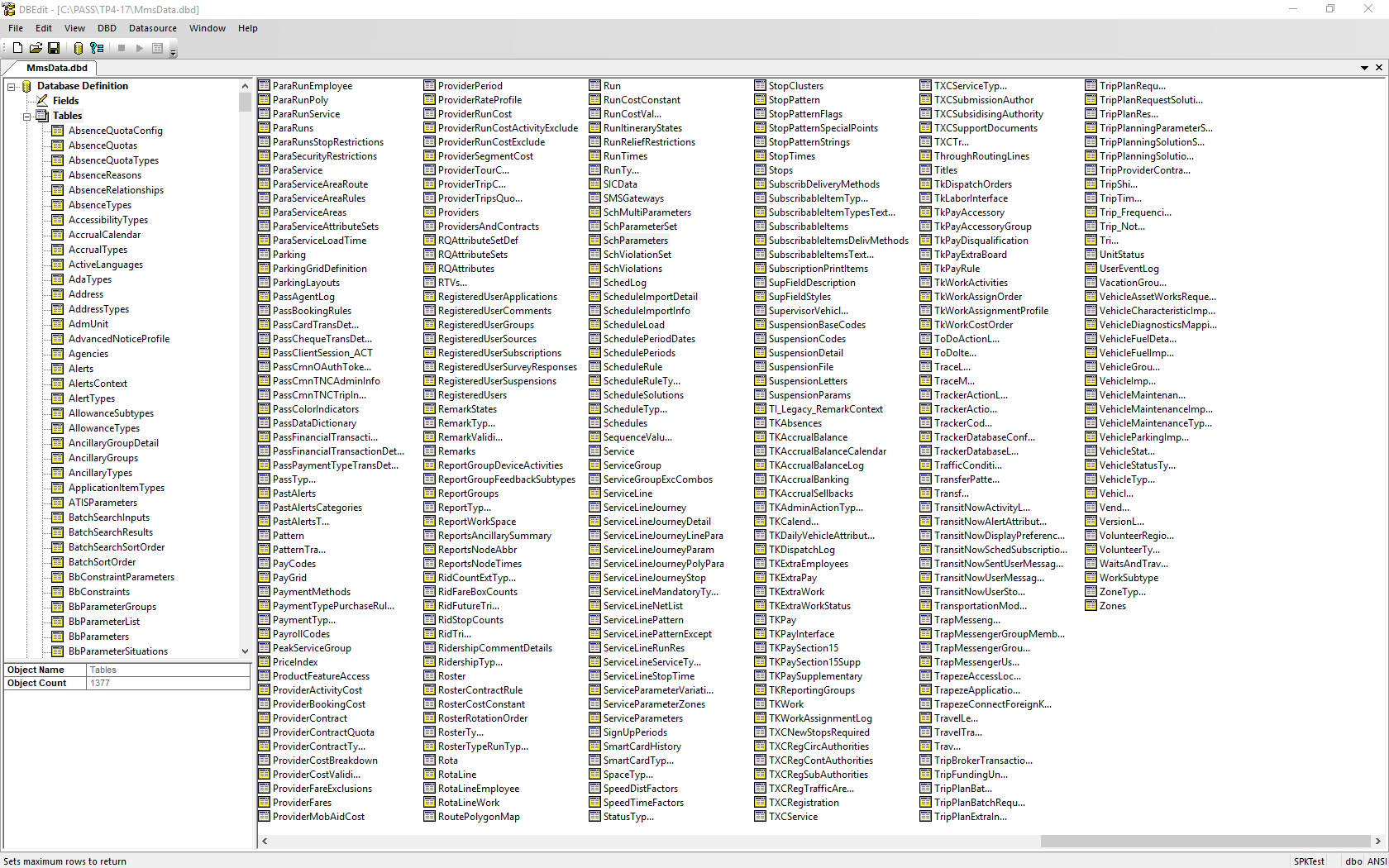
Click Tables.
A list of tables in the *.dbd or *.db-schema file appears in the right pane.
-
Right-click on the table for which you want to define permissions and click
Revoke Permissions.
The Select Permissions dialog appears.
-
Clear the check box of the actions you want to revoke.
- Select
- Insert
- Update
- Delete
- References
- Execute
- In the User/Group/Role field, select the data source user, role, or group to be denied permission.
- Click OK.