
Navigation Pane
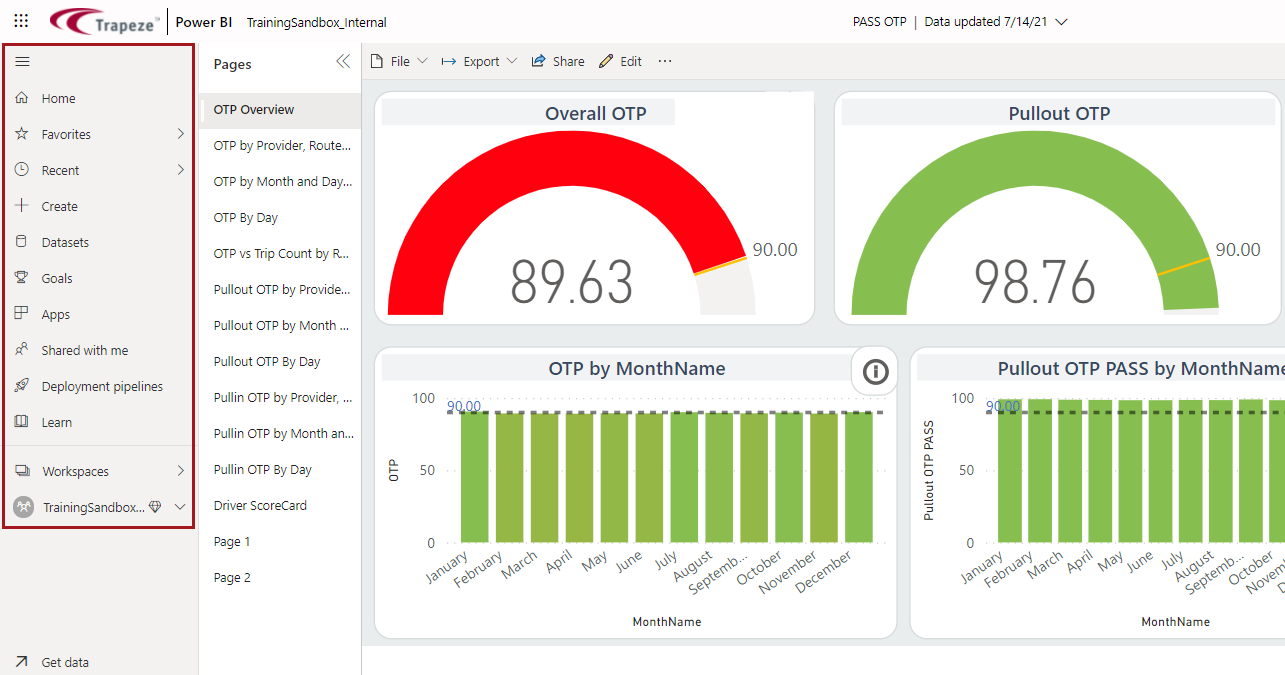
The navigation pane on the left side of the page consists of vertical tabs that allow you to quickly navigate available content.
| Item | Description |
|---|---|
 |
Hides the navigation pane so that only icons are shown, or expands the pane so that icons and names are shown. |
 |
Shows the Home canvas. |
 |
Lists content previously marked as Favorite. |
 |
Lists recently viewed content. |
 |
Allows you to design a new report. |
 |
Lists datasets you can access to create reports. |
 |
Lists apps you can access. |
 |
Lists content shared by colleagues. |
 |
Lists workspaces you can access. |
 |
Lists the personal dashboards and reports you have created. For consumers, this area is typically empty. |