
Sending Canned Messages
If your agency has configured canned (predefined) messages you can select one or more messages from a list and send them.
-
Tap the message button
 to open the Messages screen.
-
In the Messages screen, tap the menu button
 The Messages menu is displayed.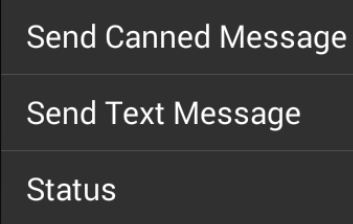
-
Tap Send Canned Message.
A list of available pre-defined messages is displayed.
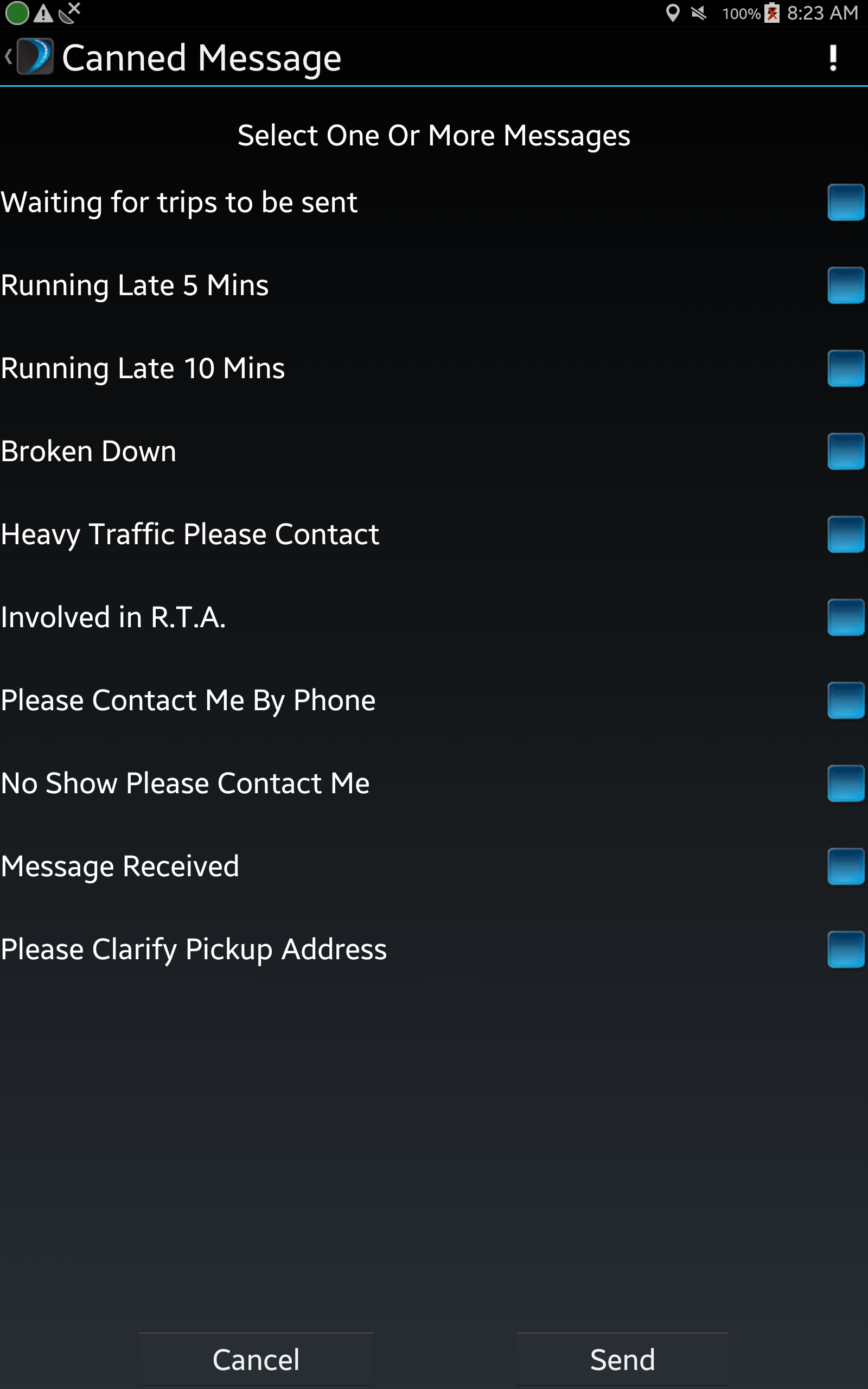
- Select the message or messages you want to send and tap Send.