
Sending Text Messages
If none of the canned messages match the situation, you can compose a text message and send it to dispatch.
-
Tap the message button
 to open the Messages screen.
-
In the Messages screen, tap the menu button
 The Messages menu is displayed.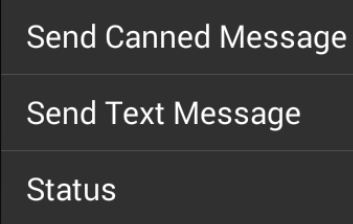
-
Tap Send Text Message.
A message entry screen appears.
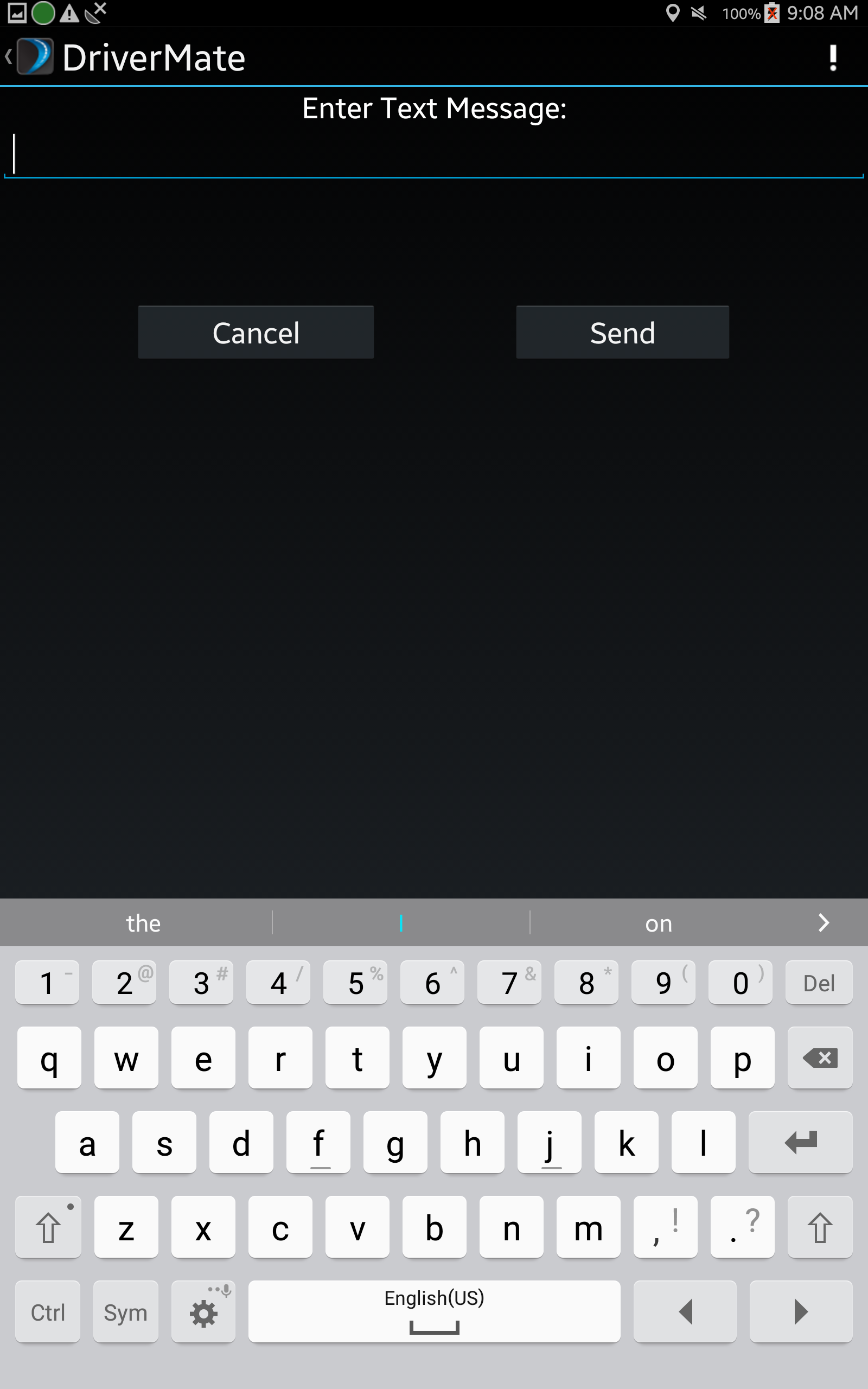
- Type your message and tap Send.
Note: Android voice to text feature
makes this a very powerful solution.