
Driver Safety Screen
DriverMate can display a blocker screen that is activated when the vehicle is moving. The driver cannot interact with the application until the vehicle is stopped.
Safety Screen Options
If the Driver Safety Screen is active, your agency can choose from five viewing
options.
| Configuration | Description | Example |
|---|---|---|
| Blank | The screen displays no information while the vehicle is moving. |  |
| Event | The screen will display the current or next event while the
vehicle is moving. Note: If the user is not logged in or there
is no event the screen will appear as "not
available". |
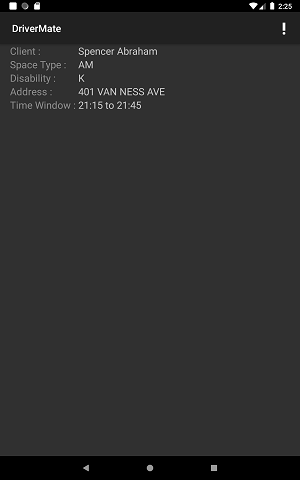 |
| Clock | The screen will display the current time while the vehicle is moving. | 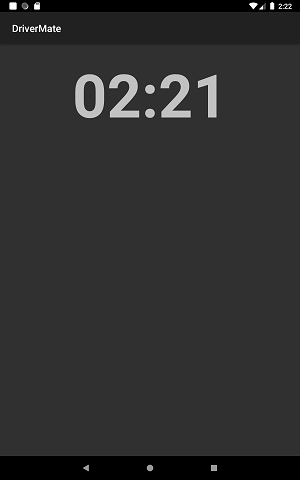 |
| Map | The screen will only display a map. |