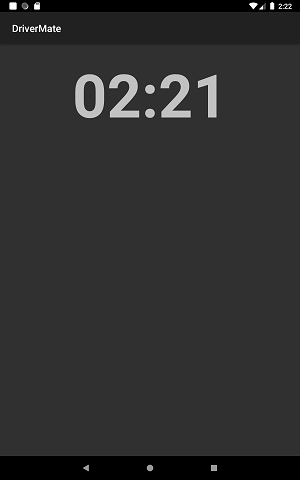
Activity When in Motion (>5kmph)
DriverMate detects when the vehicle is in motion and prevents the driver from using the DriverMate application while driving.
When the application detects that the vehicle is in motion, it restricts on-screen activities by displaying a blocker screen for the duration that the vehicle is in motion or over the speed limit that has been configured through settings.
The speed threshold for which the vehicle is considered to be in motion or at rest can be configured through the GPS and Maps settings option by setting a value for the Motion Sensor Threshold (kmph) property.
DriverMate will also alert the driver to execute the Perform action for the relevant trips on the Manifest.
The blocker screen information to be displayed while the vehicle is in motion can also be configured through GPS and Maps settings option by selecting a blocker screen item from the Blocker Screen property.