
Adding Comments to Received Messages
Comments can be added to messages received from mobile computers.
Before you begin
Procedure
- Select the message to which to add a comment.
-
Click .
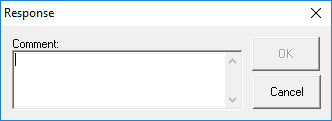
The Response dialog box opens.
-
In the Comment field, type a comment about the message.
This is separate from the Tracker Action Log.
- Click OK.
Results
