
Viewing Purchased Client Period Passes
When a client purchases period passes, only those that are applicable to the client are shown.
Before you begin
Procedure
- Search for and select the Client for whom to review period passes.
-
Click the Period Passes tab.
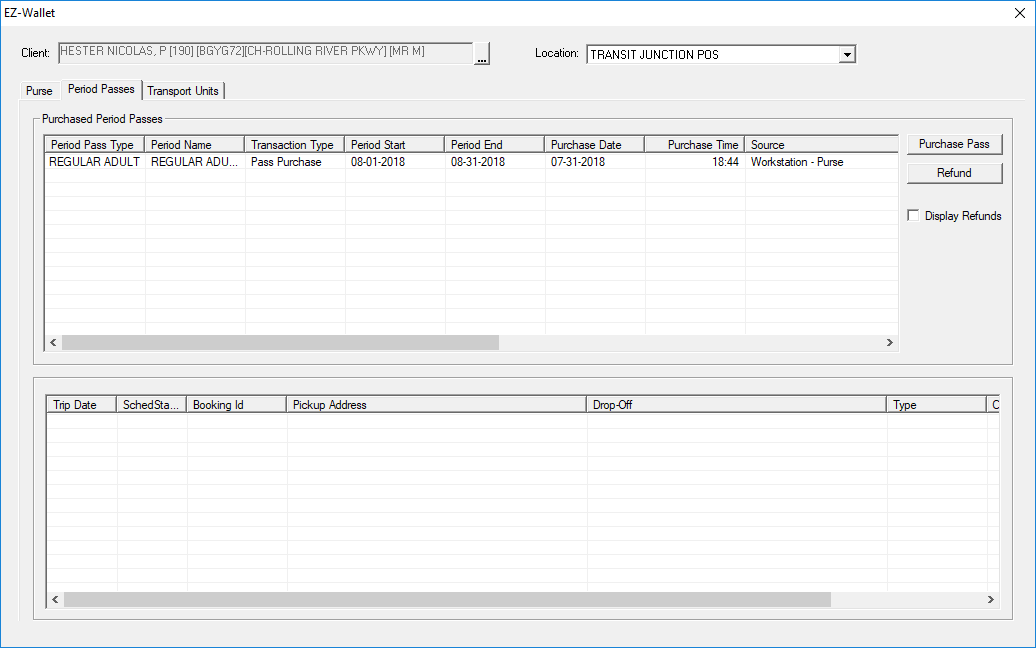
- In the Purchased Period Passes frame, review the list of period passes that the client has purchased.
- Optional: To see the period passes that were refunded, click the Display Refunds check box.
- Optional:
To view a list of trip bookings that were paid for with each pass, select the period
pass in the upper half of the screen.
Trip bookings purchased with the selected period pass are listed in the lower half of the screen.