
Matching Runs
The Match Runs step allows you to assign run names based on matching start and end times to existing PASS runs with the same logic used in Manage Runcutter Jobs.
About this task
Procedure
-
After you have completed the tasks in the Load Jobs step, do one
of the following:
- Click Next.
- Click the Match Runs step button:

The Match Runs step appears.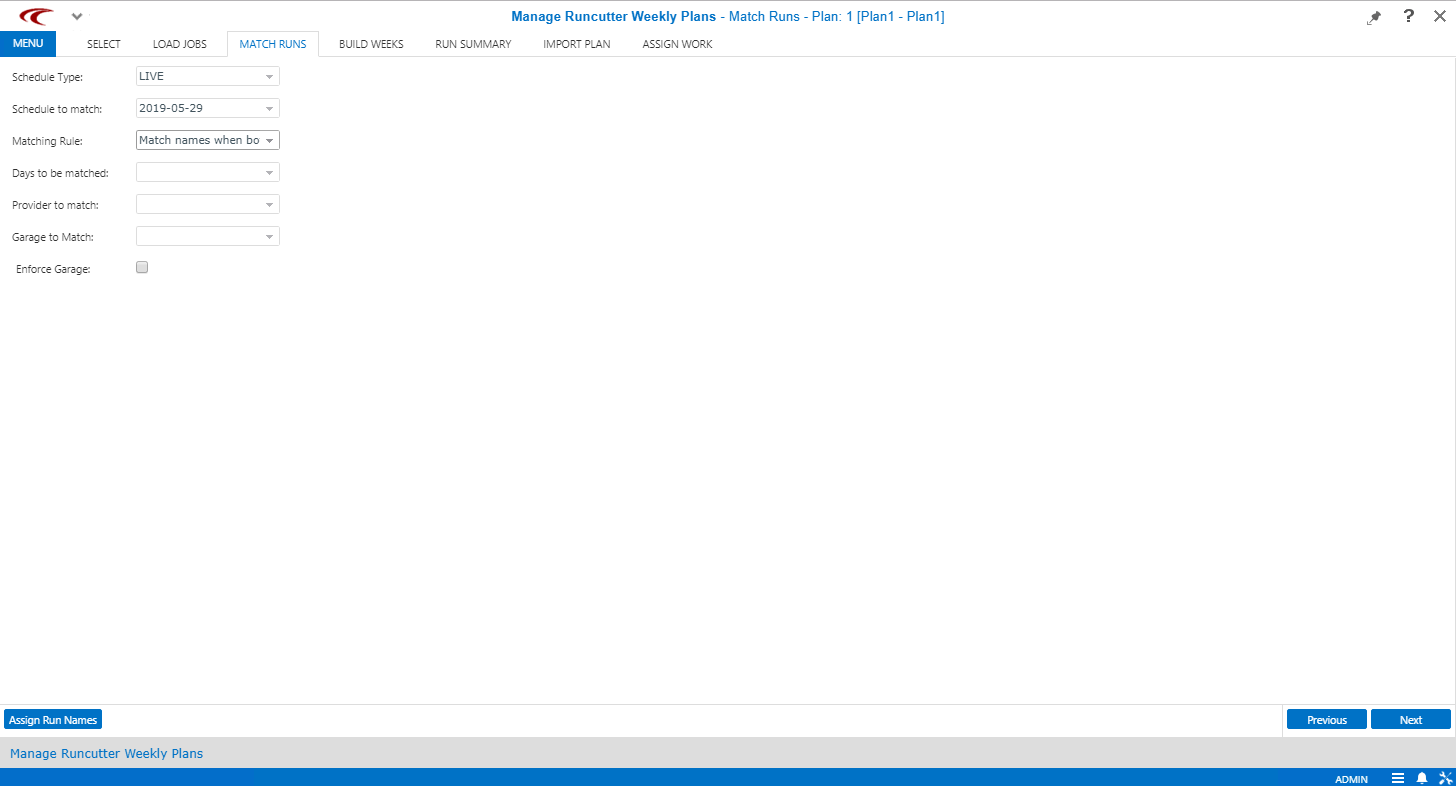
-
Click the appropriate options in the different fields.
To limit the scope of the qualifying runs that may be used for matching, select specific providers and garages.
- Optional: To make sure that matching is limited to the specified garage, select the Enforce Garage check box.
- Click Assign Run Names.