Reviewing the Run Summary
As you edit runs, you may want to review how the planned service stacks up against the original planning baseline assumptions.
About this task
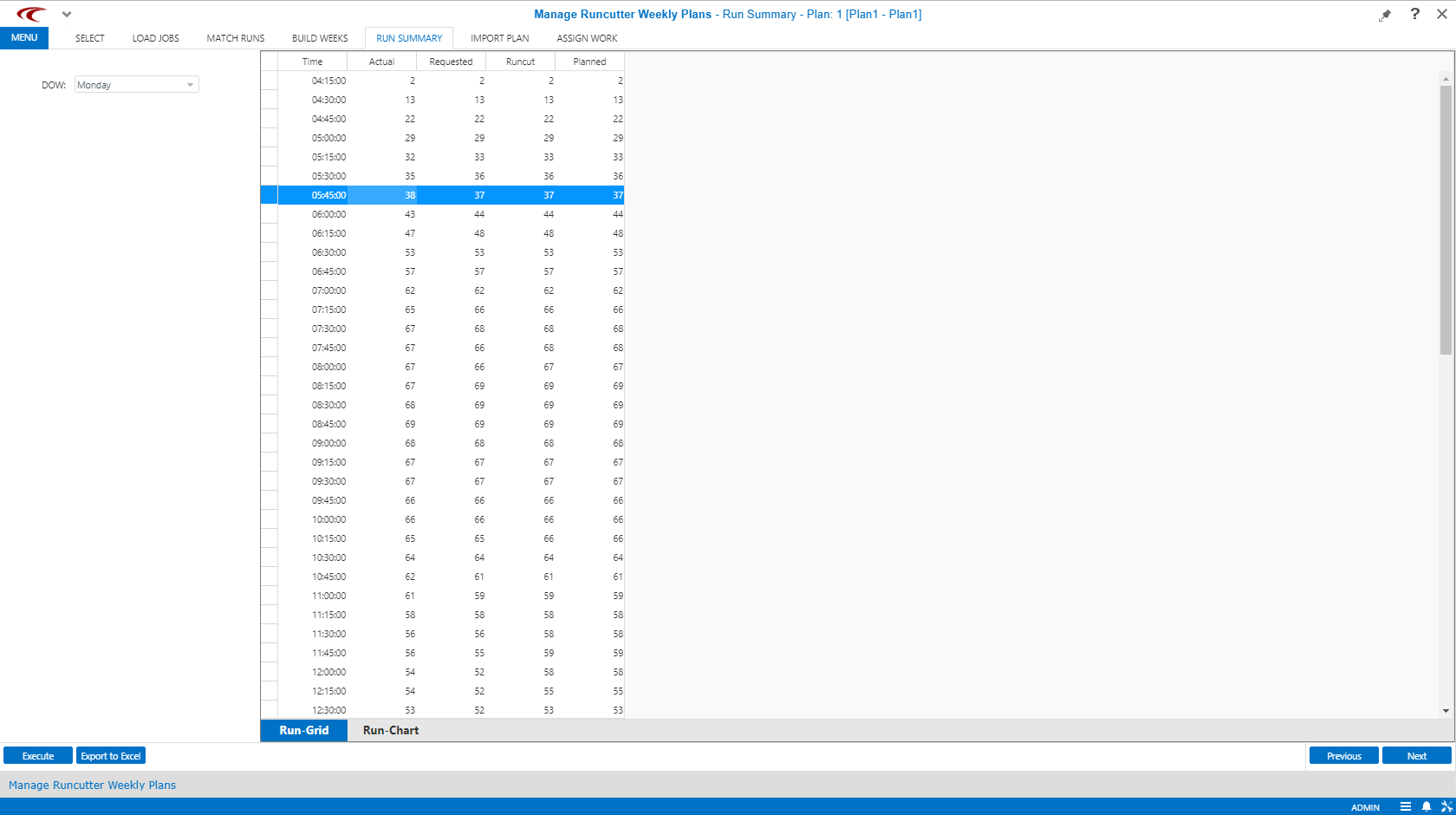
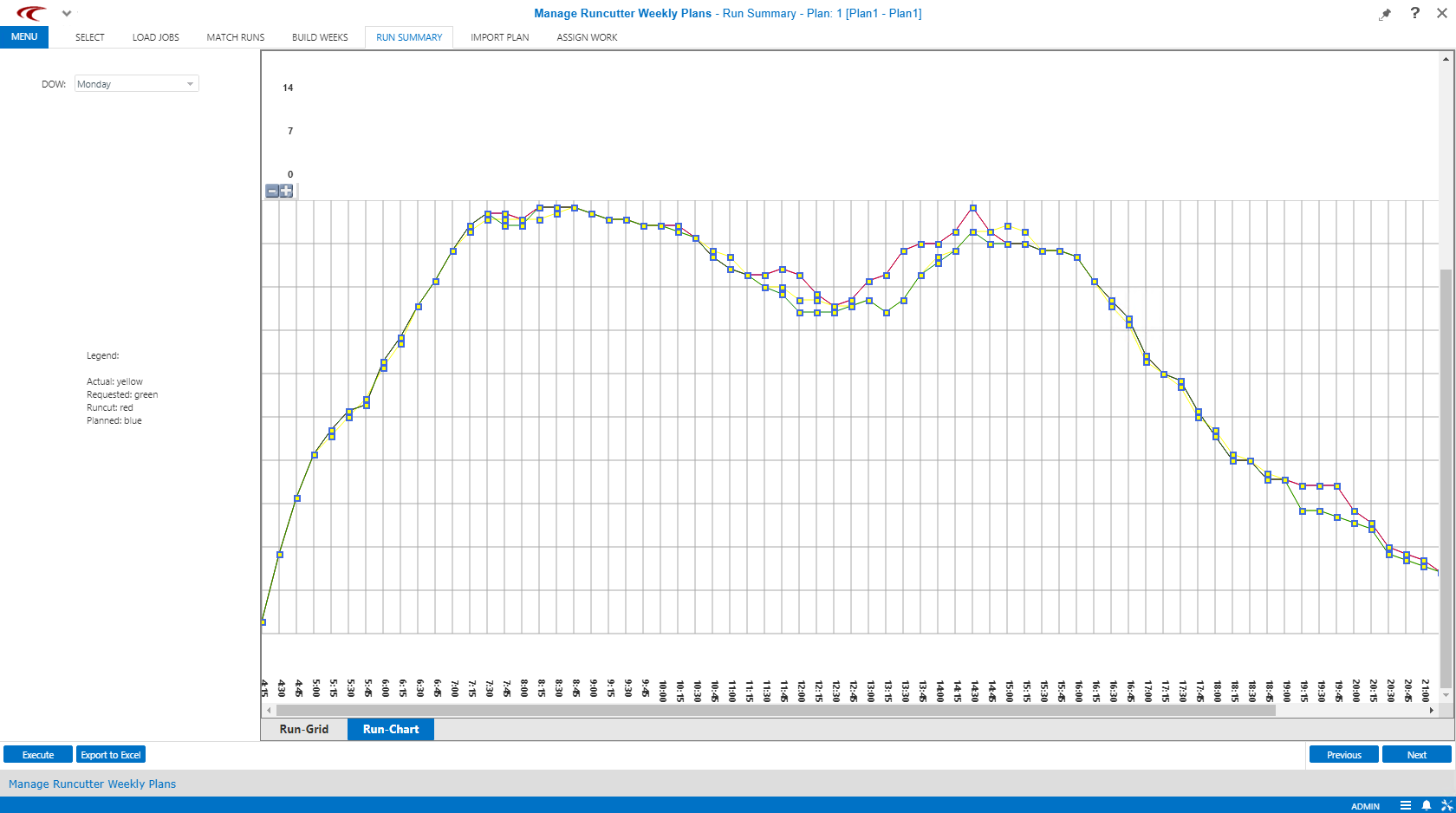
ParaCutter shows the total number of runs
by time interval as they are currently planned, compared with three other benchmarks. This
information can be viewed for any given day of the week, in both tabular and graphical
views:
- What was actually operated on the day used in Prospector for the original analysis? (Actual, shown in yellow.)
- What was recommended and submitted by Prospector to the runcut? (Requested, shown in green.)
- What did the runcut produce? (Runcut, shown in red.)
- What would be imported into PASS from the weekly plan if it were done at this moment? (Planned, shown in blue.)
Procedure
-
After completing the tasks on the Build Weeks step, do one of the
following:
- Click Next.
- Click the Run Summary step button:

The Run Summary step appears.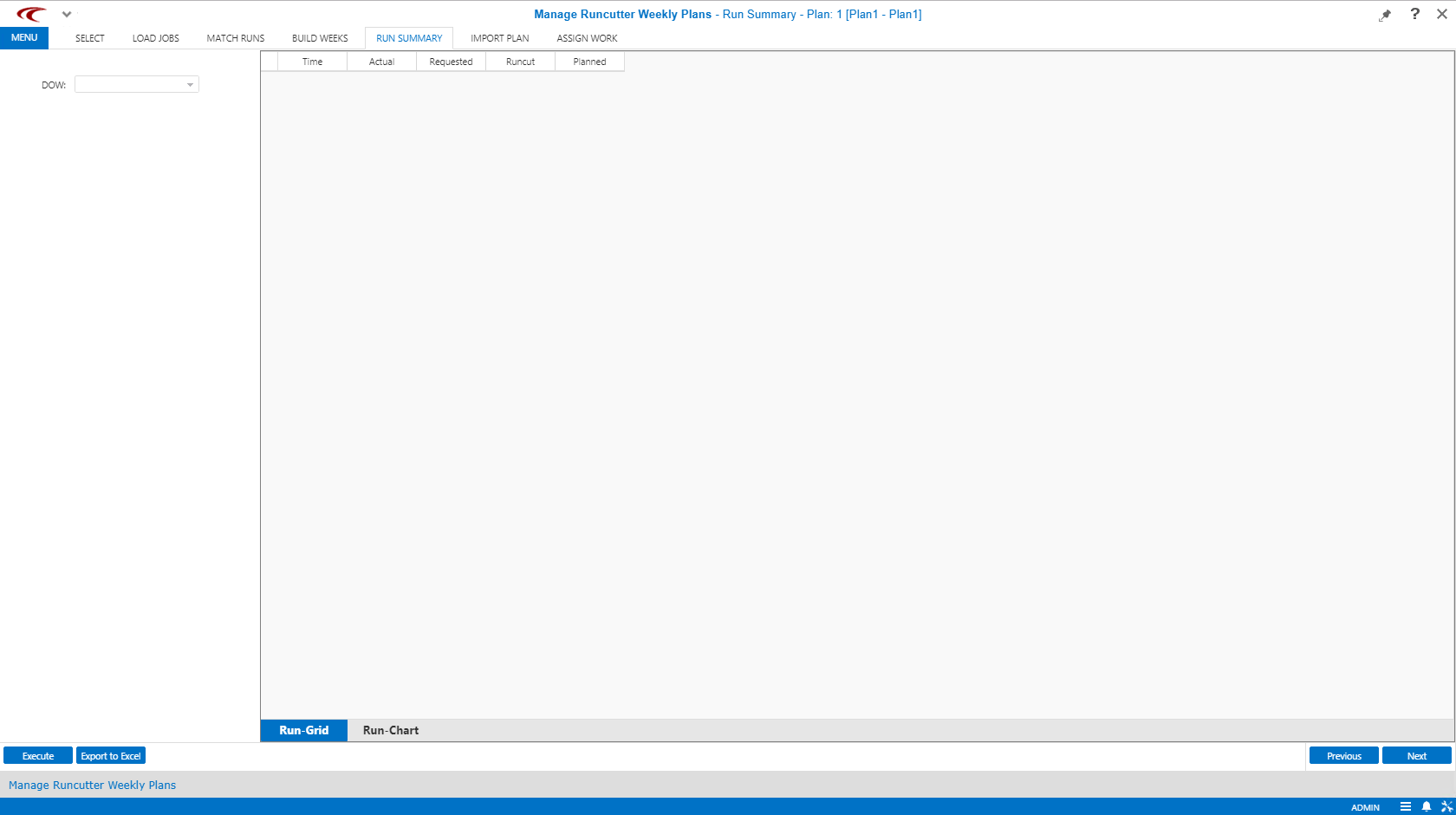
- In the DOW list, click the day of the week to use.
- Click Execute.
- Optional: To export the information into a spreadsheet (Microsoft Excel), click Export to Excel.
- To view the run summaries, click the appropriate tab (Run-Grid or Run-Chart) at the bottom of the right pane.
Results