
Terminating Existing PASS Master Runs
The Import Plan step allows you to terminate a group of existing pararuns at the same time that new ones are imported.
Procedure
-
In Manage Runcutter Weekly Plans, on the Import Plan step, click
the Import Runs tab.
-
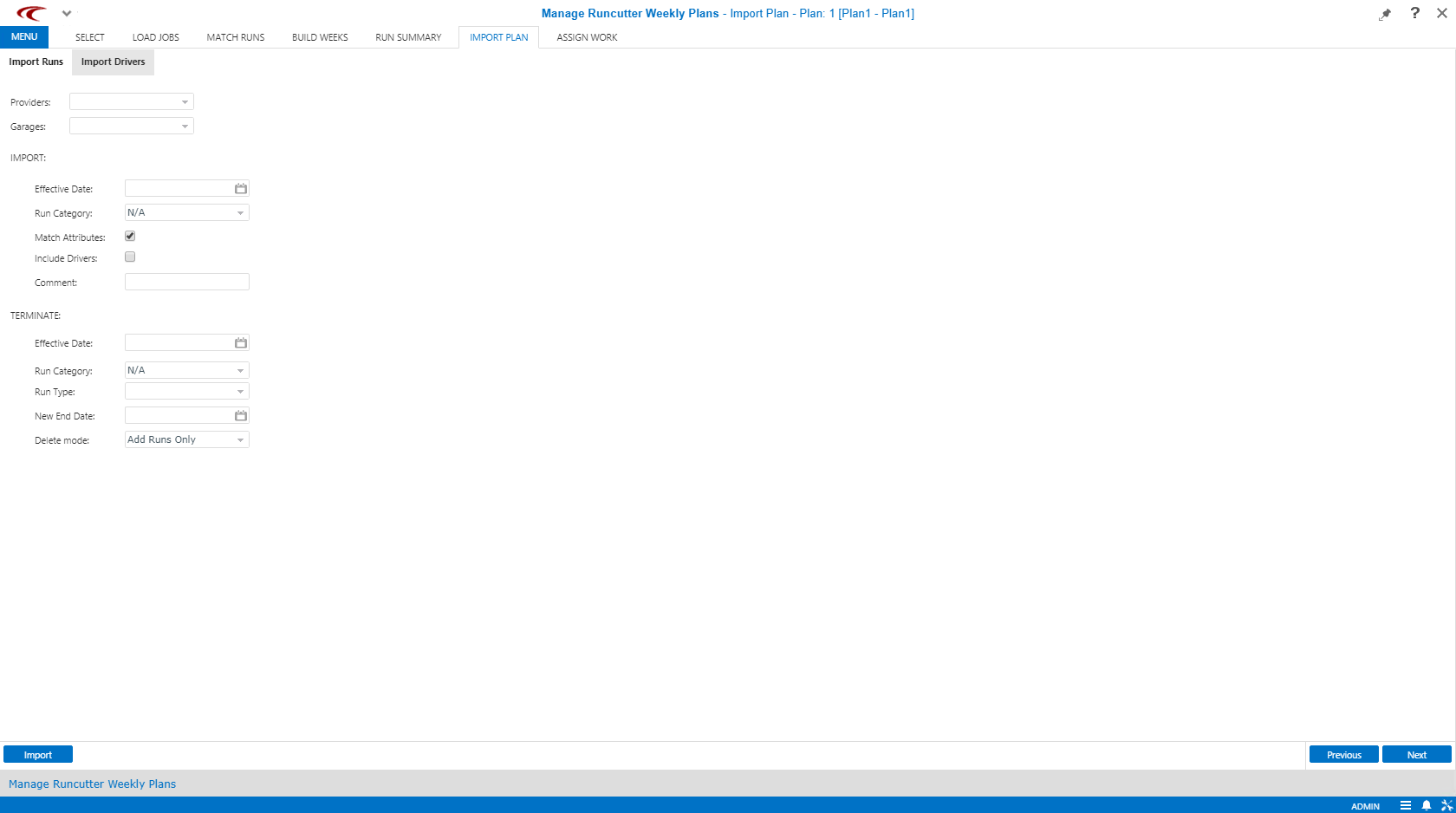
Under TERMINATE, fill in the following fields:
- Effective date
- Only runs with an active weekly rule that has this date as the FromDate and no ToDate will be terminated/deleted.
- Run Category
- Only runs with this Run category will be terminated.
This is useful for users who use run category to define a pick period.
- Run Type
- Only runs with this Run type will be terminated.
The options are: Para, Flex, Fixed, FX, and/or Taxi.
The default is Para.
- New End Date
- Date that becomes the last day that the old runs are activated.
If left blank, the New End Date is set to the day before the date that you enter for the effective date of the imported runs by default.
- Delete Mode
- The choices are to add the new runs only (without terminating existing runs), end
the existing runs (with a date interval rule), or delete the existing runs (the
affected pararun records are removed instead of updating date intervals).
Trapeze recommends not deleting runs. It can cause problems if the master runs have not yet been activated out to the end of the current pick period.
The garages selected under Import will act to limit what runs are terminated. No run is terminated unless:- The from garage matches one of the import garages selected.
- An effective date and (optionally) a run category are selected.