
Adding Custom Menus
Menus can be customized by system administrators as needed.
Before you begin
Procedure
-
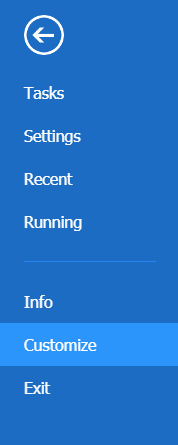
In the Main Menu, click Customize in navigation pane.
 The Customize screen is open.The Available Links pane on the left contains all available menus and menu items. The Current Links for pane on the right contains all menus and menu items that are available for users in the current user group. Menu names appear in bold text.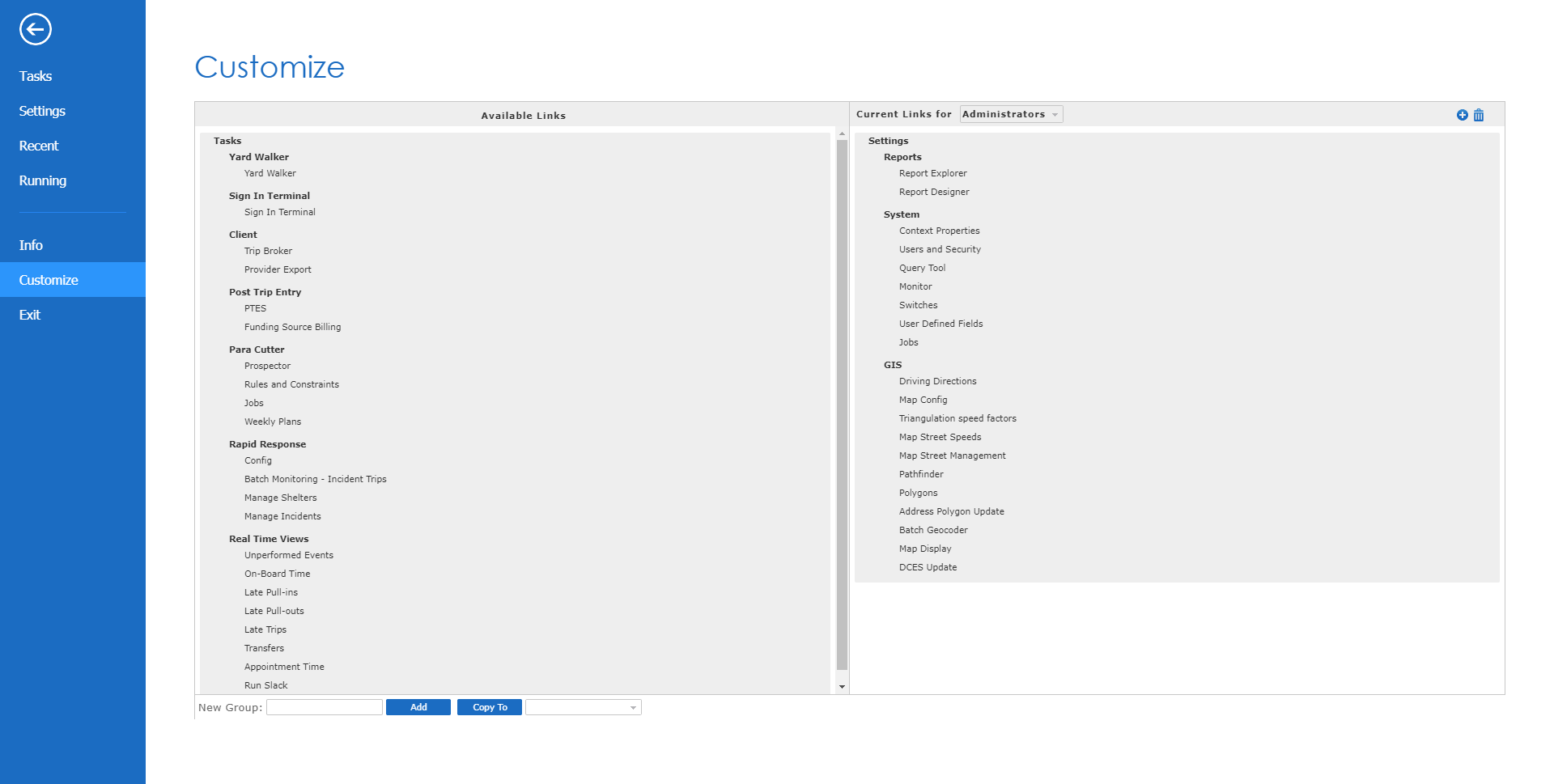
- Select the user group that can view the custom menu from the Current Links For list.
- In the middle of the window, type the name of the group in the New Group field.
-
Click Add.
A menu with the name you typed appears in the Current Links pane.
- Add menu items to the new menu group as needed.
- Optional: Make the custom menu visible to other user groups by selecting a user group from the list at the bottom left corner of the screen (or select Everyone to make the menu visible to all user groups), and then clicking Copy To. Repeat this step as needed for additional user groups.
- You cannot customize the names of menu items that you add to this menu group.