
Configuring Menus
Menus can be configured for different user groups.
Before you begin
Procedure
-
At the bottom right of any screen click the Customize Menu
button:

The Links - workspace/main dialog box appears.The Available Links pane on the left contains all available menus and menu items. The Current Links for pane on the right contains all menus and menu items that are available for users in the current user group. Menu names appear in bold text.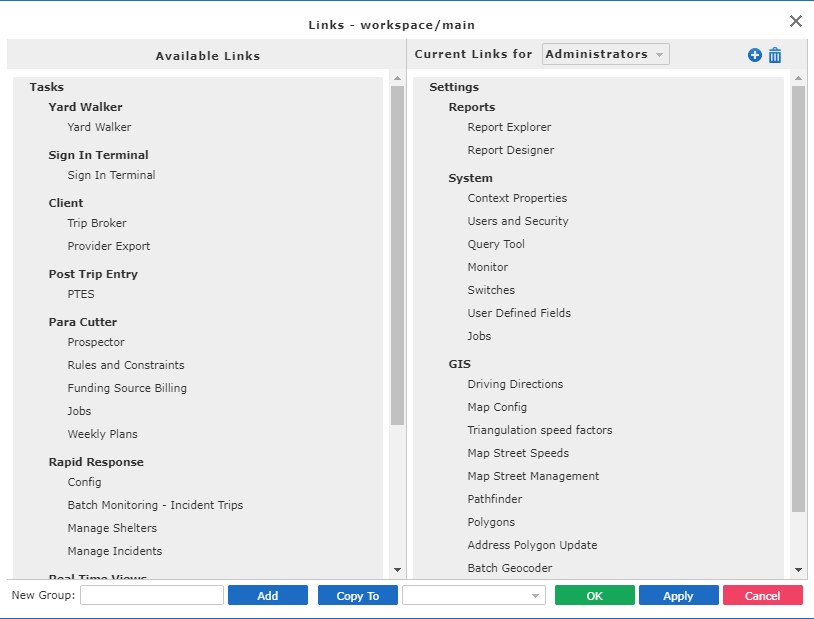
-
From the Current Links for list, select the user group for which
you want to make changes.
Current menus and menu items for the selected group appear in the right-side pane.
- Configure the menus as appropriate.
- If needed, apply the configuration to the appropriate groups or specify defaults.