
Filtering Trips
In the Trips pane, the row beneath the column headers is a filter row.
Before you begin
About this task
Procedure
- In the filter row, click the column by which to filter.
-
In the filter row, select one of the available items in the list, or type the search
criteria.
To search for a specific client, type part or all of the client's first name. When the correct name appears, select it, and press Enter.
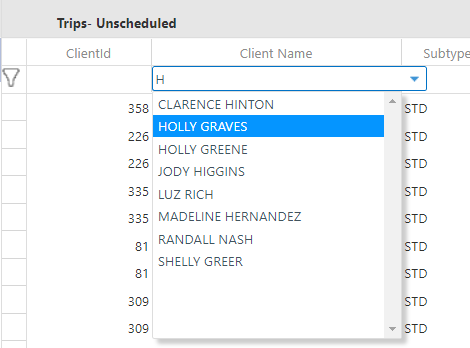 The filter icon is now solid and the defined filter criteria is visible in the filter row.
 - Optional:
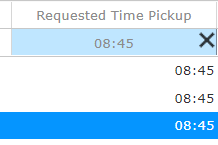
To remove a filter, hover the mouse cursor over the filter and click the X.
- Optional: To toggle the use of filters, click the black funnel button to hide the filter results. Click the button again to show the filter results.