
Moving Fields
You can rearrange the fields by moving them up or down the screen.
-
Click the Tab Order button:
 The Tab Order window opens.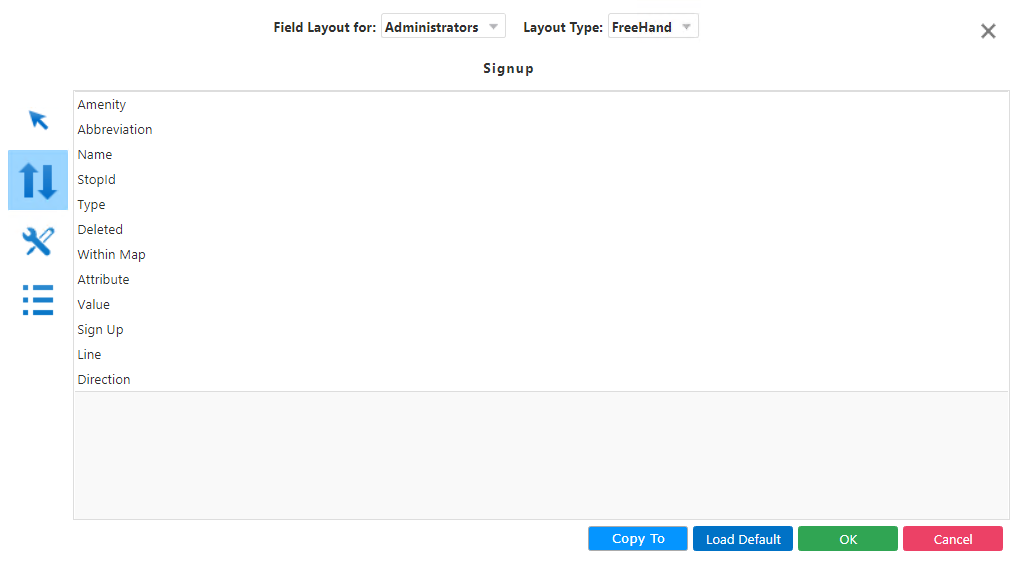
- Click the field you want to move and drag and drop it where you want it displayed.
- Click OK.