
Locating Runs Associated with Blocks
The Locate Run feature is only applied if you use Block Groups.
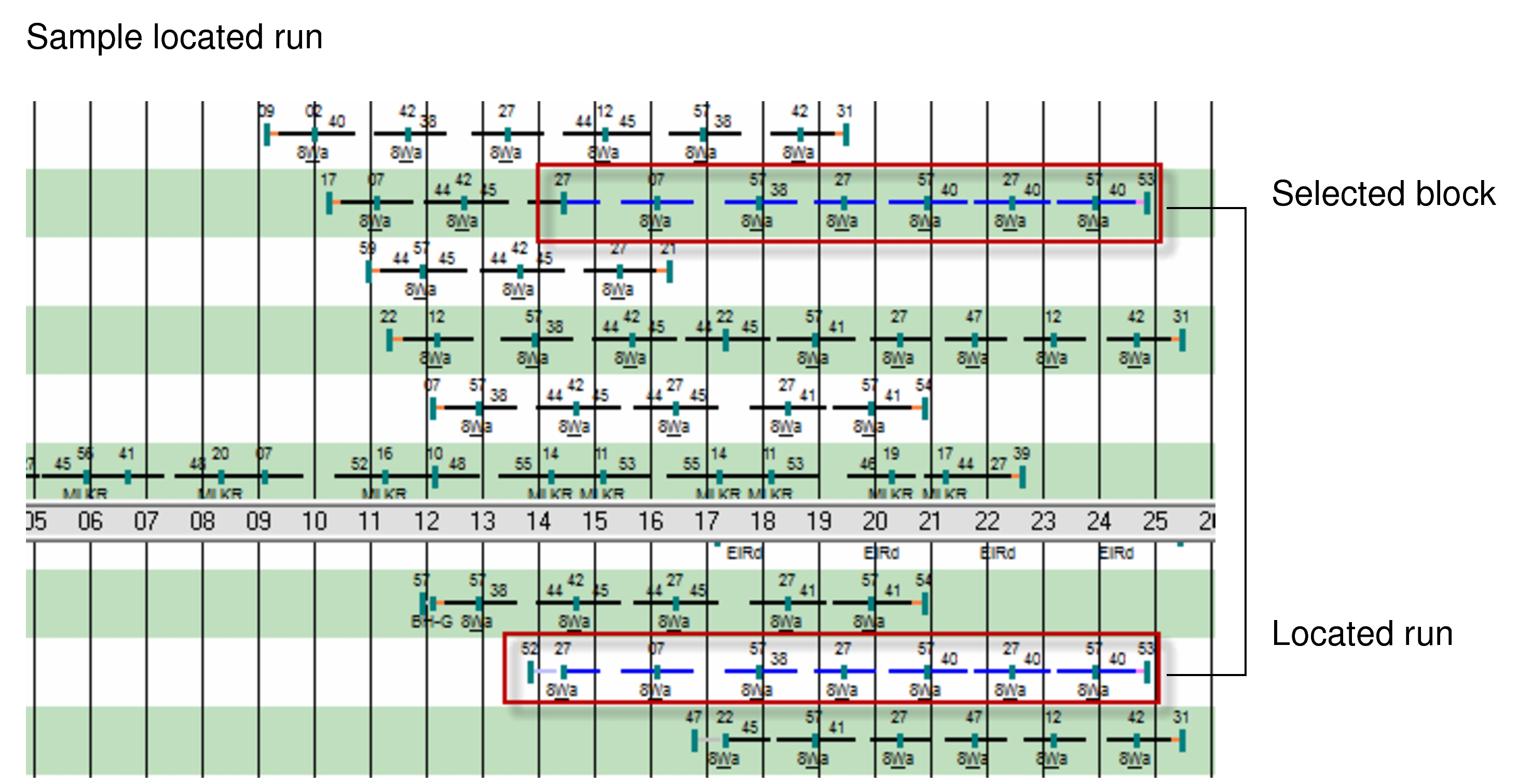
On the Blocks view, select the piece for which you want to locate the run and
right-click. From the right-click menu, click Locate Run.
Both the selected piece and the run are highlighted as shown in the following graphic.
Viewing Runs by Block Group on the Bus Graph
Info:
- On the Blocks View, right-click on the graph.
- From the menu, select Group by Block Group.
The pieces of blocks assigned to the same block group are shown on the same line in the graph.
Viewing Reliefs on the Bus Graph
- Place your cursor anywhere on the timeline of the block and right-click.
- Click View Reliefs from the shortcut menu. The View Reliefs dialog appears.
Viewing Other Data on the Bus Graph
- To view other related data, click Graphical Runcutting on the main menu and choose the option you want:
- Costing Summary: Provides statistics of the cut. See Assessing Statistics of a Cut for more information.
- Scenario Details: Provides details of the run type and run type category. See Viewing Scenario Details.