
Printing Bus Graphs
You can choose to first preview the bus graph before you print it.
-
Click .
The Commencing Date dialog appears.
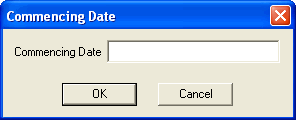
- In the Commencing date field, type the first day of the schedule you want to preview.
-
Click OK.
A preview of the Bus Graph report appears.
-
Click.
The Commencing Date dialog appears.
- In the Commencing date field, type the first day of the schedule you want to print.
- Click OK. The Print dialog appears.
- Click OK.