
Comparing Scenarios
After you have made changes to your blocks in FX or to your Block Optimizer parameters, you may choose to save the blocks in a new scenario.
-
On the main menu, click . Alternatively, on the screen toolbar, click the Block Scenario
button:

- Click the scenarios that you want to compare.
-
Click Compare.
The Comparing Scenarios dialog appears with a summary of the comparison.
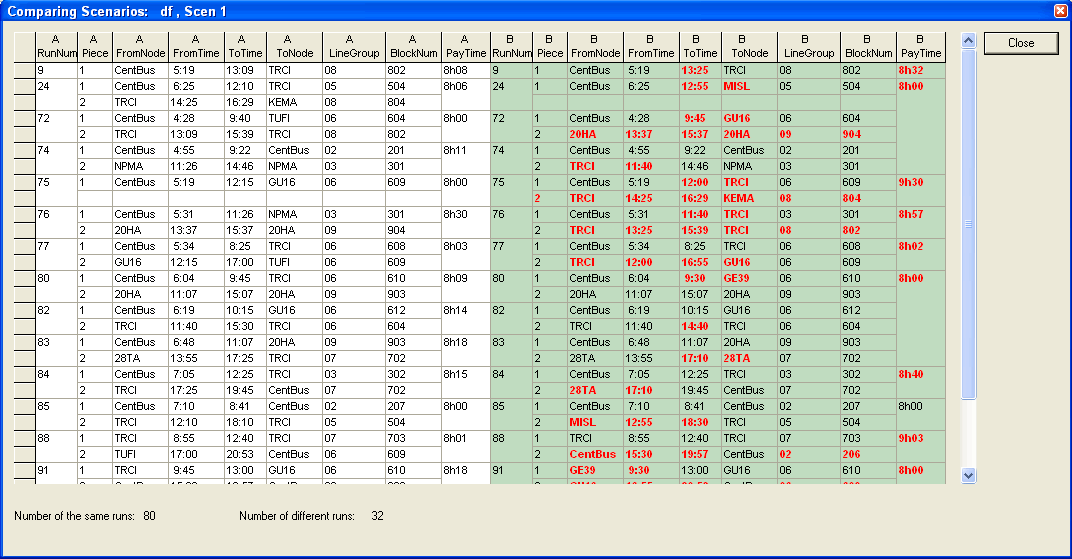
- Click Close.