
Displaying Toolbars
You can move the existing toolbars around your workspace by clicking on the double white lines at the left end of each toolbar and dragging the toolbar to a new location.
-
Click .
The Customize dialog appears.
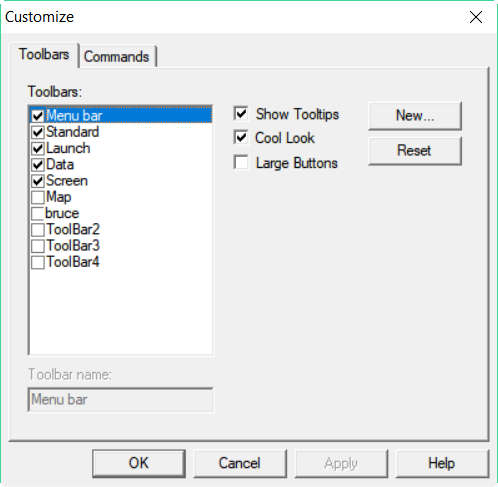
- On the Toolbars tab, make sure that the toolbars you need are selected.
- Click OK.