Standard Toolbars
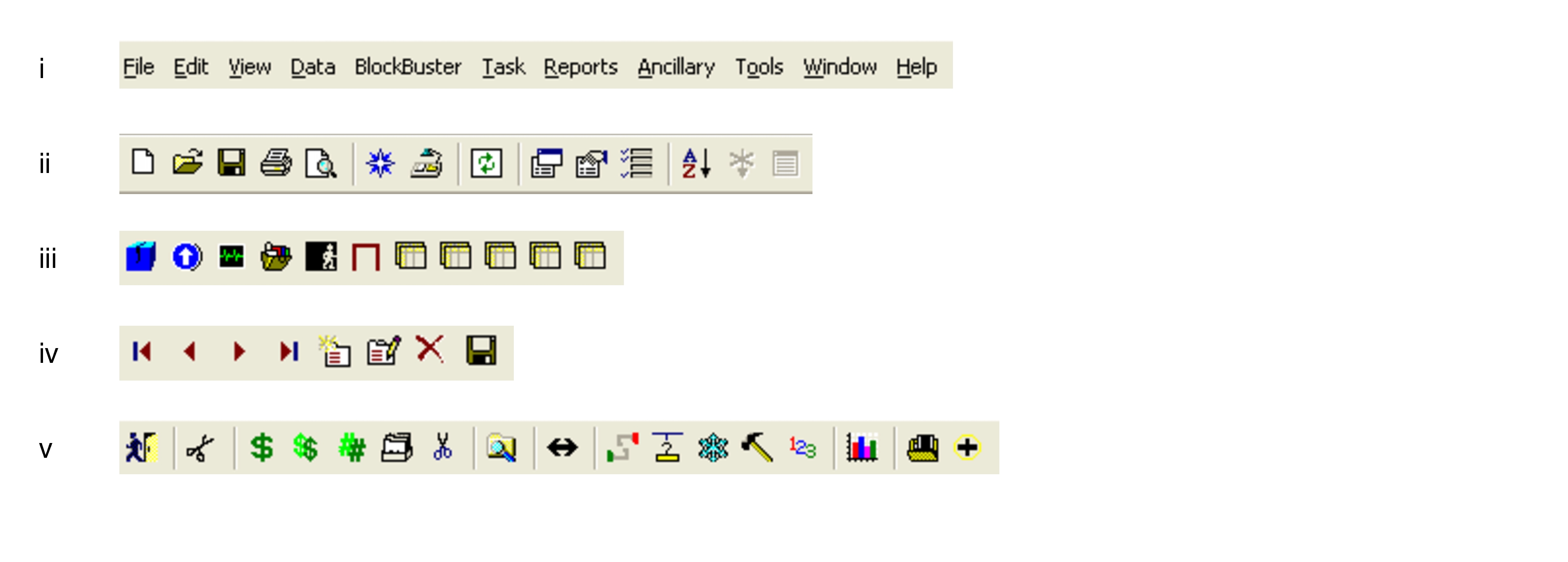
Trapeze5 has five standard toolbars.
- Menu bar: Displays the general menu headings. It cannot be customized and is the exception to being able to customize toolbars.
- Standard toolbar: Displays buttons that are used throughout Trapeze5. When the icons appear shaded, they cannot be activated.
- Launch toolbar: Displays various buttons to open screens that are part of BlockBuster and other Trapeze applications.
- Data toolbar: Contains buttons that allow you to manipulate data. For instance, you can scroll through records using the arrow buttons.
- Screen toolbar: Change from screen to screen. When a BlockBuster screen is open, the toolbar includes icons that pertain to its functionality.