
Selecting Blocks to Copy

The procedure for selecting blocks to copy is similar to that of selecting trips.

  1. In the Select Sign-ups view, select the source and destination sign-up periods, and click Next.
  2. In the Select Context view, click Blocks and click Next.
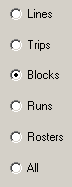
    Copy blocks
  3. In the Select Service Groups To Copy From view, select the Service Groups and Line Groups instead of Lines and Services alone. Blocking relies on Service Groups and Line Groups for its data relationships. Then, click Next.
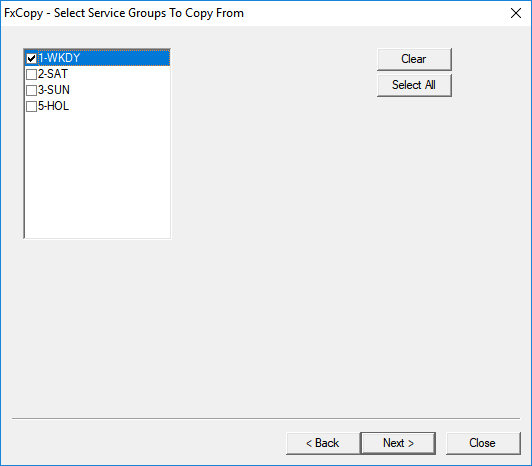
    Select Service to Copy From dialog box
  4. In the Select Line Groups to Copy From view, select the line groups to copy from, and click Next.
  5. In the Select the items to be copied view, select one or more of the following data items to copy:
    • Blocks
    • Deadheads
    • Comments
  6. Continue the procedure starting with step 4 of Selecting Lines to Copy.