
Selecting Runs to Copy
The procedure to select runs to copy is similar to that of selecting blocks.
With runs you are able to select service groups and divisions; runcutting relies on service groups and divisions for its data relationships. All line groups that are associated with a certain division and service group selected are copied.
- Select the source and destination sign-up period in the Select Sign-ups view of FX Copy, and click Next.
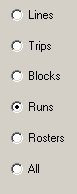
- In the Select Context view, click Runs and click Next.
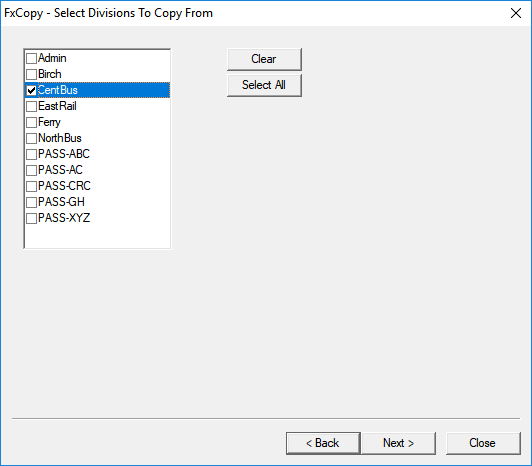
- In the Select Divisions To Copy From view, select the
division from which you want to copy and click Next.
- In the Select Service Groups To Copy From view, select the service groups you want to copy and click Next.
- In the Select the items to be copied view, select any of
the following options:
- Runs
- Travels
- Comments
- Union Contract (your Run Types)
- Costing Info (Costing Constants)
- Node Breaks
- Matcru Constraint Parms (Used with Block Optimizer parameters)
- Bus Type Parameters
- Unattended Reliefs
- Run Type Garages
- Run Type Categories
- Node Parameters
- Run Type Percentage Rules
- Relief LabelsNote: The garage name and garage node abbreviations remain the same when copying garages into another agency and sign-up period.
- Continue the procedure starting with step 4 of Selecting Lines to Copy .Note: FX Copy enables the system to automatically copy active scenarios (used in BlockBuster) .