
Editing Extra Work
Modify Extra work on the rosters using the different options given.
-
Click . The Edit Extra Work dialog box appears.
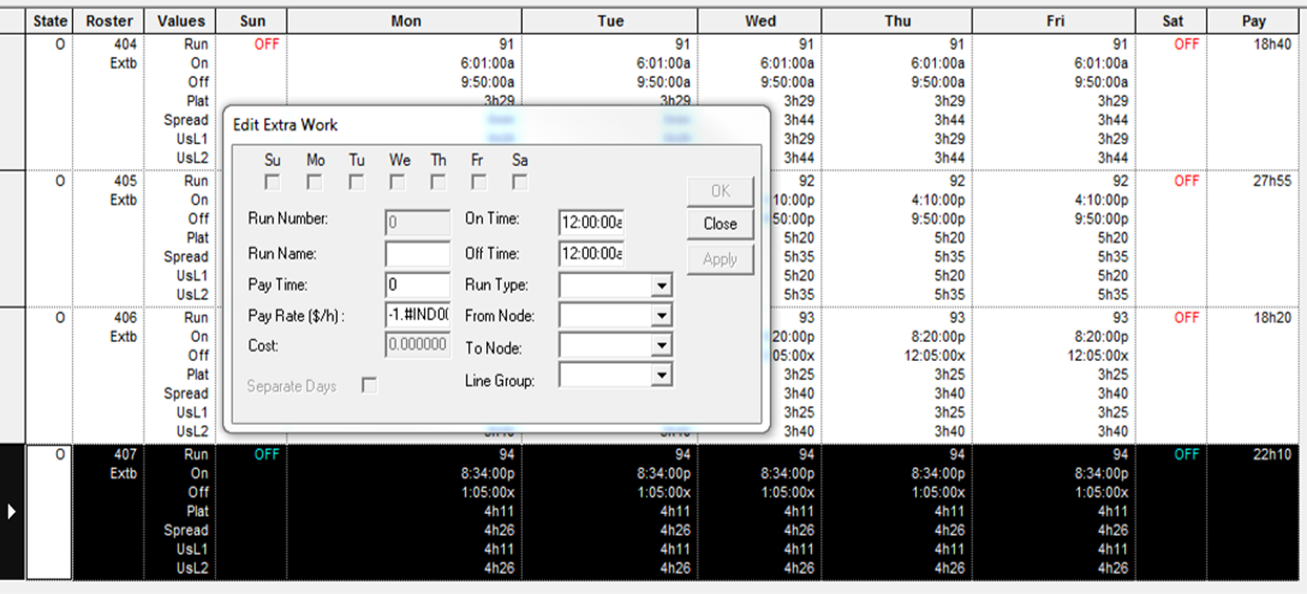
The week template check boxes and the Separate Days check box appear shaded.
Modify Extra work on the rosters using the different options given.
The week template check boxes and the Separate Days check box appear shaded.