
Removing Extra Work
Deleting extra work using the roster options given.
-
Click . The Remove Extra Work dialog box opens.
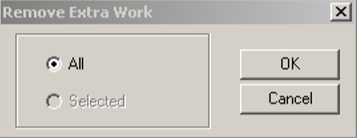
To remove all extra work, click All.
Deleting extra work using the roster options given.
To remove all extra work, click All.