Downloading to Hand-Held Computers
Instead of printing and distributing survey sheets, you can save and download multiple data files (equivalent to survey sheets) to a hand-held computer with the Android mobile operating system.
-
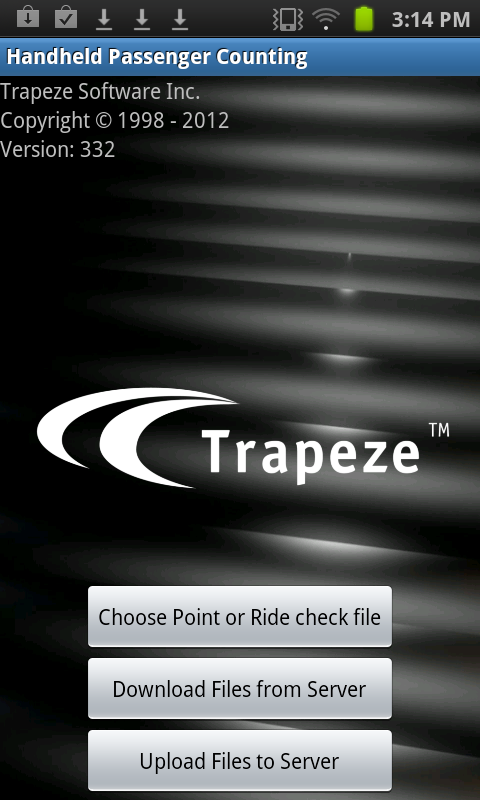
On your hand-held device, open the Trapeze passenger counting application,
TpRider.