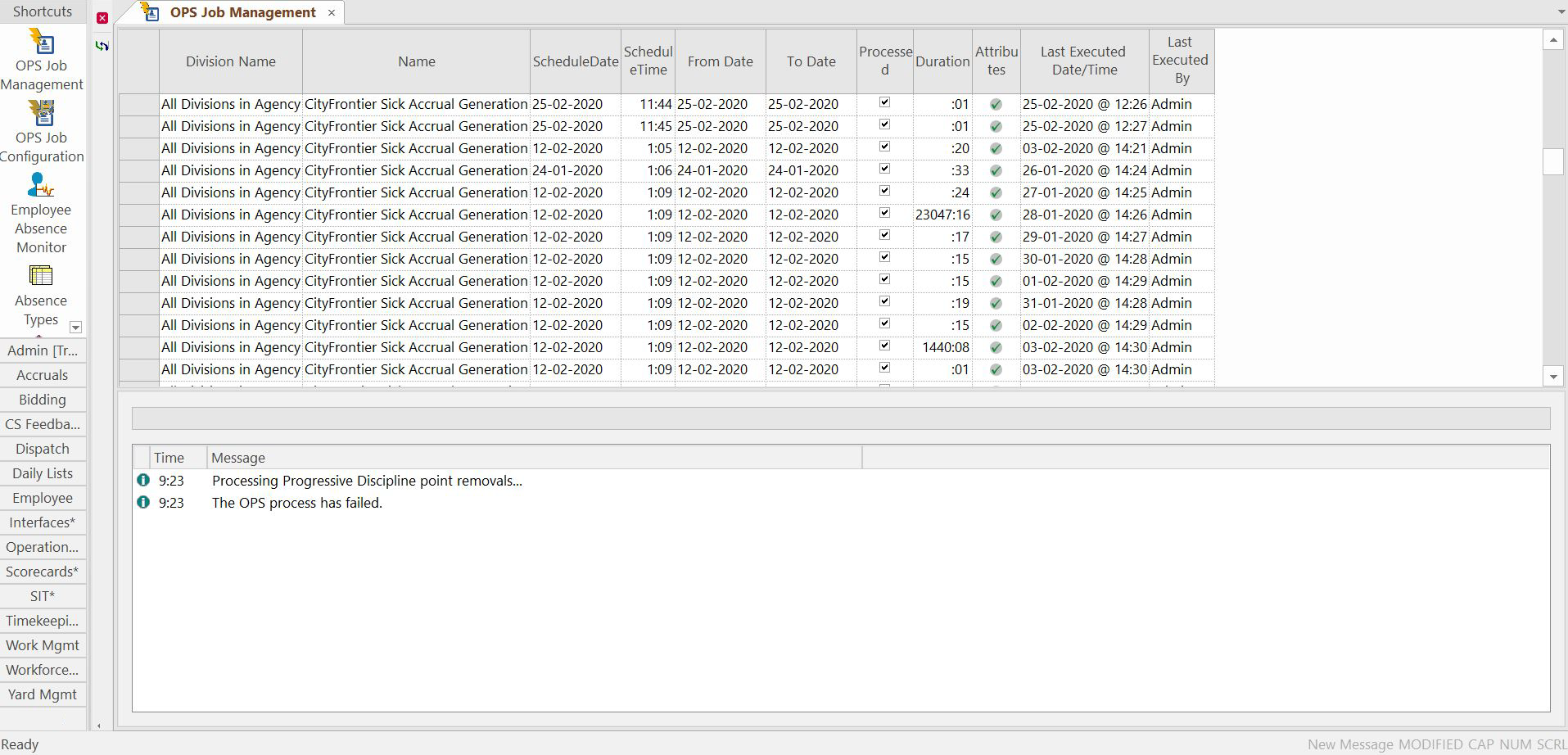
The OPS Job Management screen helps manage processing for jobs
performed repeatedly over a period of time.
You are able to monitor and control the automatic execution of jobs on a defined schedule. For
example, costing, activating a day, and publishing assignments. A specific example of a
repetitive job is activating a day for use in the Daily Activity screen.
Configure when and how often the system should perform this task in the OPS Job
Configuration screen based on your requirements. The OPS Job
Management screen then shows the status of the jobs.
Job statuses represented by icons are shown in the Attributes column: