
Configuring Extensions
To use OPS features, extensions must be configured in the Client Shell. Your Trapeze representative performs this configuration.
- Start the Client Shell.
- Log in.
-
Select .
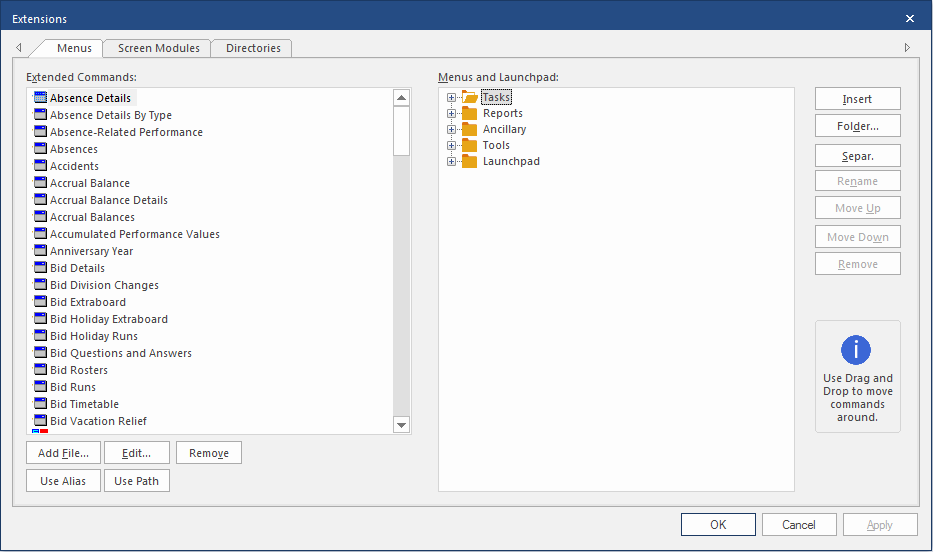
- Select the Screen Modules tab.
- Select the modules to add.
- Select the Directories tab.
- In Alias, enter OPSBin.
- In Directory locate the path where reports are saved.
- Select Apply.
- Select OK.