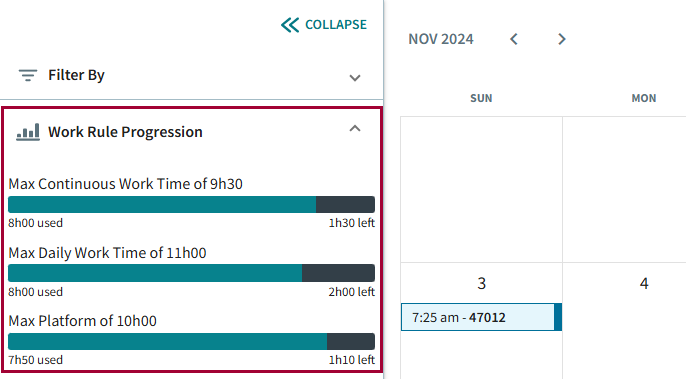
Configuring Work Rule Progression
Work assignment rules must be configured for employees to view them in ESS.
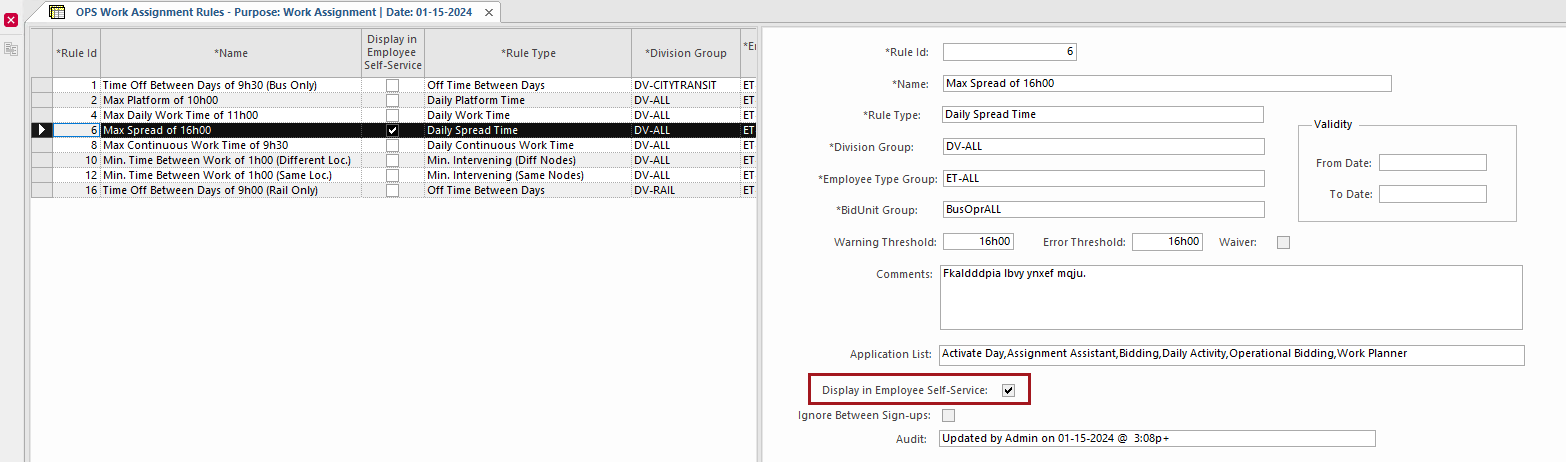
- In the Client Shell, open the OPS Work Assignment Rules screen.
- Select the rule to show to employees.
-
In detail view, select Display in Employee
Self-Service.
-
Select Save:
 The selected work rule is shown in ESS. It shows information for the current date only.