Adding Custom Logos
ESS can be configured to use a custom logo file.
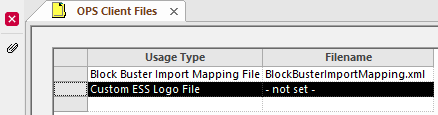
- In the Client Shell, open the OPS Client Files screen.
-
Select the ESS Custom Logo File option.
-
Select Update attached client file:

-
Use the ellipsis button (…) to navigate to and select
the logo file.
Image files should be one of the following: .bmp, .gif, .jpg, or .png.
- Select Save.
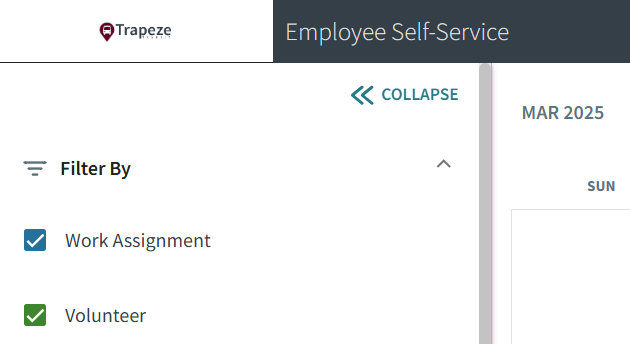
On larger screens, the logo is shown in the top left corner of the navigation bar.
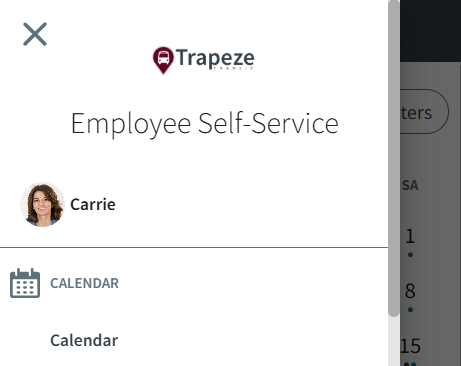
On smaller screens, the logo is shown in the menu.