
Configuring System Properties
System properties specify how ESS Employee Information can be used by employees.
This information is included for reference only. Reconfiguration of the system and properties should be done during a scheduled maintenance period and may require a service restart. Typically, additional configuration points are associated with property changes and must be updated before changes can take effect. Contact a Trapeze representative before updating property values.
- Open the Properties screen.
-
In the left pane, expand .
ESS properties are shown in the right pane.
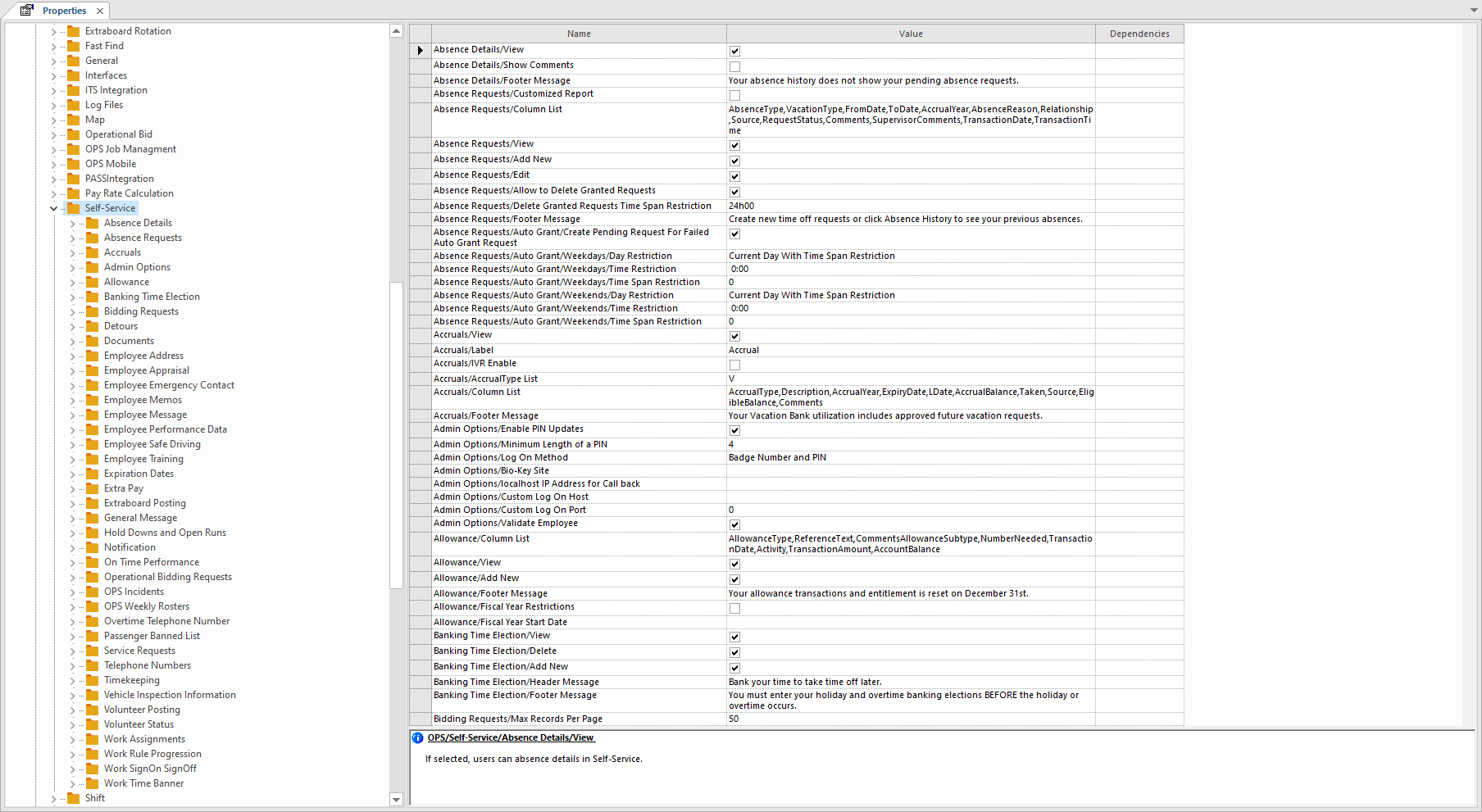
- Set the property values as needed.
-
Select Save:
