Employee Self-Service Parameters
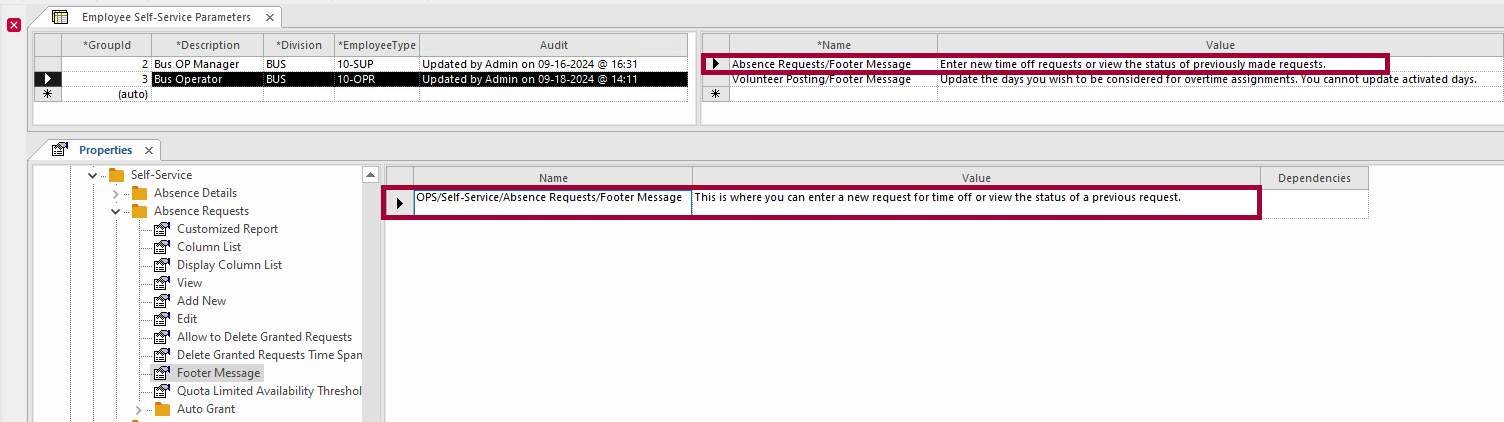
System administrators use Employee Self-Service Parameters ancillary data to configure property settings for different parts of the application based on division and employee type.
These settings override the ESS default configuration for those employees matching the specified Division and Employee Type.
| Field | Description |
|---|---|
| GroupId | Integer that uniquely identifies the parameter. |
| Description | Short description of the parameter. |
| Division | Division to which the parameter applies. |
| Employee Type | Employee Type to which the parameter applies. (The list is from the ancillary data.) |
| Audit | System-generated audit information. |
| Field | Description |
|---|---|
| Name | properties (defined in the Properties screen). See ESS Employee Information Properties for a list of supported properties. |
| Value | Depending on the selected property, a checkbox or list of options appears. |
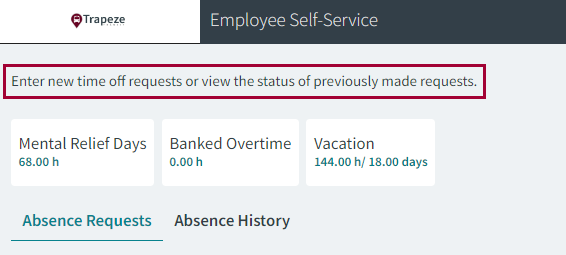
The accounts of employees who match the specified Division and Employee Type defined in the Employee Self-Service Parameters screen behave based on the defined parameter values, instead of the default property values.