
Copying Offices
To create a new office when two offices are similar, copying offices will save you time and effort in entering data.
-
Click Go.
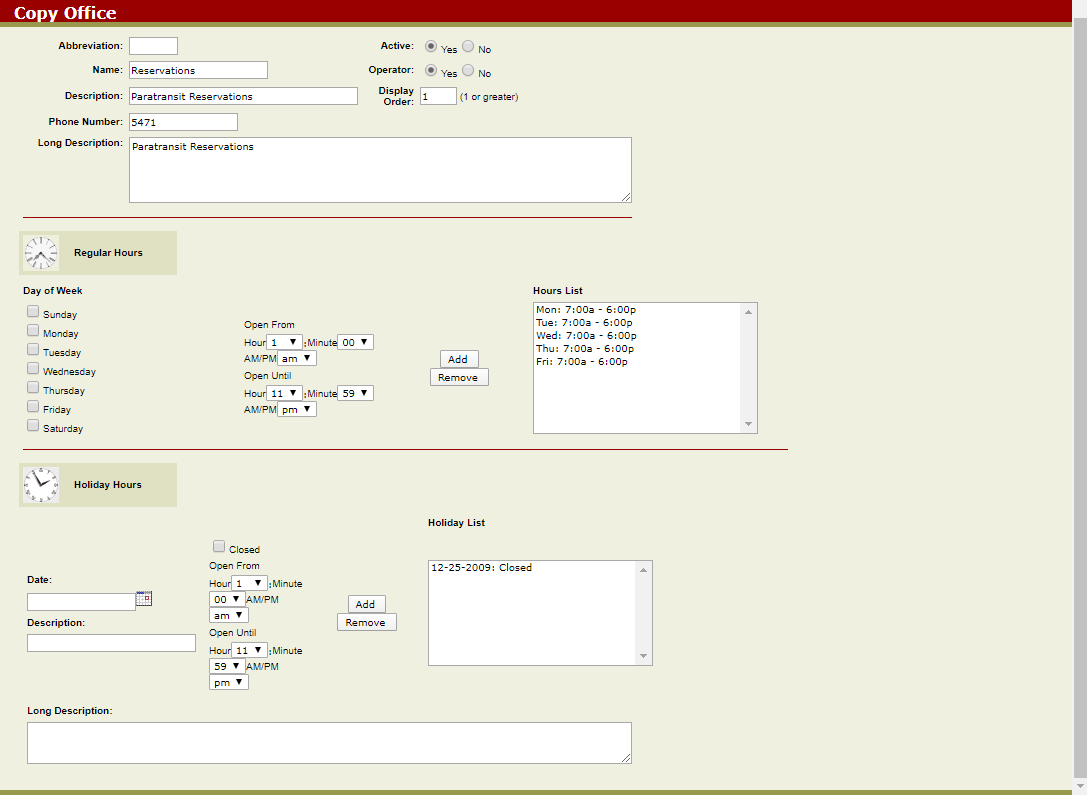
The Copy Office screen appears. It is similar to the Edit Office screen.
To create a new office when two offices are similar, copying offices will save you time and effort in entering data.