Place text in quotation marks for exact match search results.
Editing Offices
You can edit existing offices that are used throughout the IVR system for transferring
callers to call flow, or to generate a dynamic list of numbers to which callers can be
transferred.
In the List of Offices grid, select the office you want to edit.
From the Options list, select Edit.
Click Go.
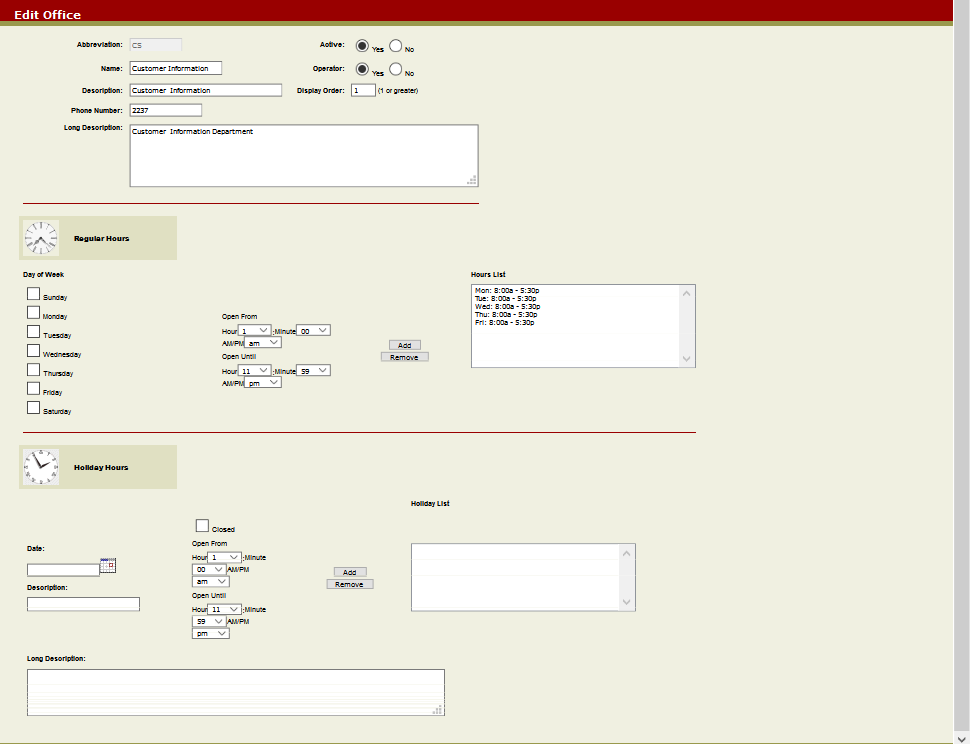
The Edit Office screen appears.
Make the required changes from the following choices:
Options
Office Name
Phone Number
Active
Office Description
Click the Submit button on the screen
toolbar.
The Office Update screen confirms that the office has been
updated.
Click OK.
You are directed back to the Offices
Manager screen.